
The Yabla alternative for any video, in 67 languages.
Free to download. iPhone, iPad, Mac and Android.
Yabla has been doing video-based learning since 2005: short authentic clips, two subtitle lines you can toggle, slow playback, a dictation game after each video. The method holds up. The product is showing its age — six languages, one language per subscription, a library you cannot add to, an interface reviewers call dated, and no free plan. PlayLingo takes the same idea to any YouTube video, in 67 languages, with an AI tutor and a free plan.
Why people look for a Yabla alternative
Yabla’s reviewers — Trustpilot, the App Store, independent blogs — tend to like the videos and dislike almost everything around them:
- Six languages, one at a time. Spanish, French, German, Italian, Chinese and English. Each subscription covers a single language; learning two means paying twice.
- Only Yabla’s library. You cannot upload a video or open a YouTube link. Reviews describe the catalog as small, slow to update and short of intermediate material.
- No free plan. A 7-day trial, then a subscription — and each subscription covers a single language.
- A dated product. “The interface hasn’t changed since 2005” is a line from a 2025 review. The iOS apps rate between 3.7 and 4.6 stars with only a few dozen ratings, and the Android app is currently gone from Google Play.
- A dictionary, not an explanation. Clicking a word gives a list of possible translations. Nothing tells you why this line is funny, formal or grammatically odd.
Yabla still makes sense for a classroom or a learner who values human-checked translations above everything else. For someone who wants to learn from the videos they already watch, on a phone, it is a poor fit.
Yabla vs PlayLingo, side by side
The short version: Yabla is a curated library of short, human-translated clips for six languages, sold per language. PlayLingo turns any YouTube video into a lesson with AI translation, explanations and practice, for 67 languages, with a free plan.
What PlayLingo keeps from Yabla
Yabla understood early what most apps still miss. PlayLingo keeps those parts.
Authentic video at native speed
Real people, real accents, real pace. You do not learn to understand speech from a voice actor reading a textbook. Both tools start from that, and PlayLingo simply lets you bring your own.
Two subtitle lines you control
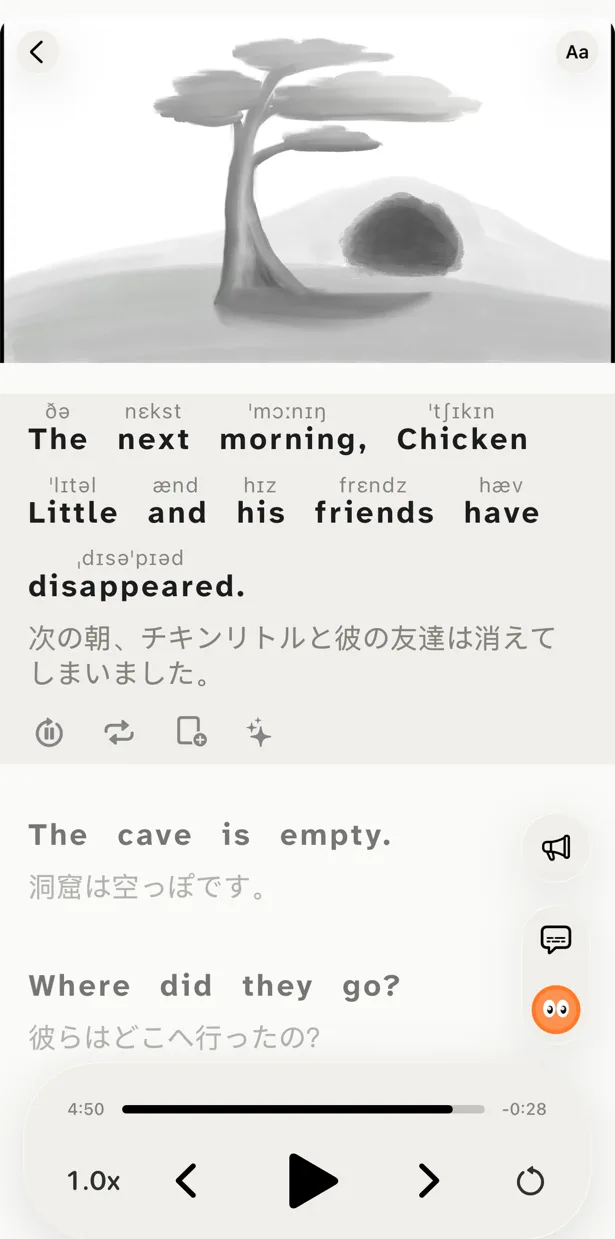
The original on top, the translation under it, each one switchable. Hide the translation to test yourself, hide the original to train your ear, or keep both. The Listen and Understand modes make those settings one tap away.
Slow it down, loop it, repeat it
Replay a line, slow it, jump back a sentence, turn on auto-pause after every line. The small controls that make a video studyable are all in the player.
What PlayLingo does differently
Any YouTube video, not a clip library
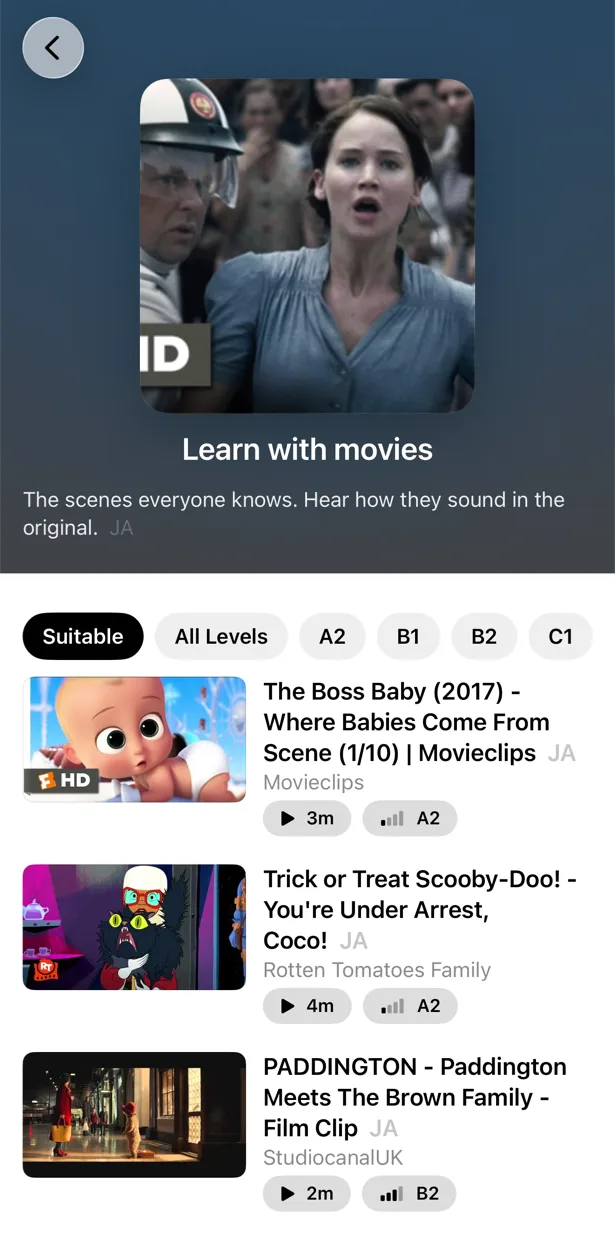
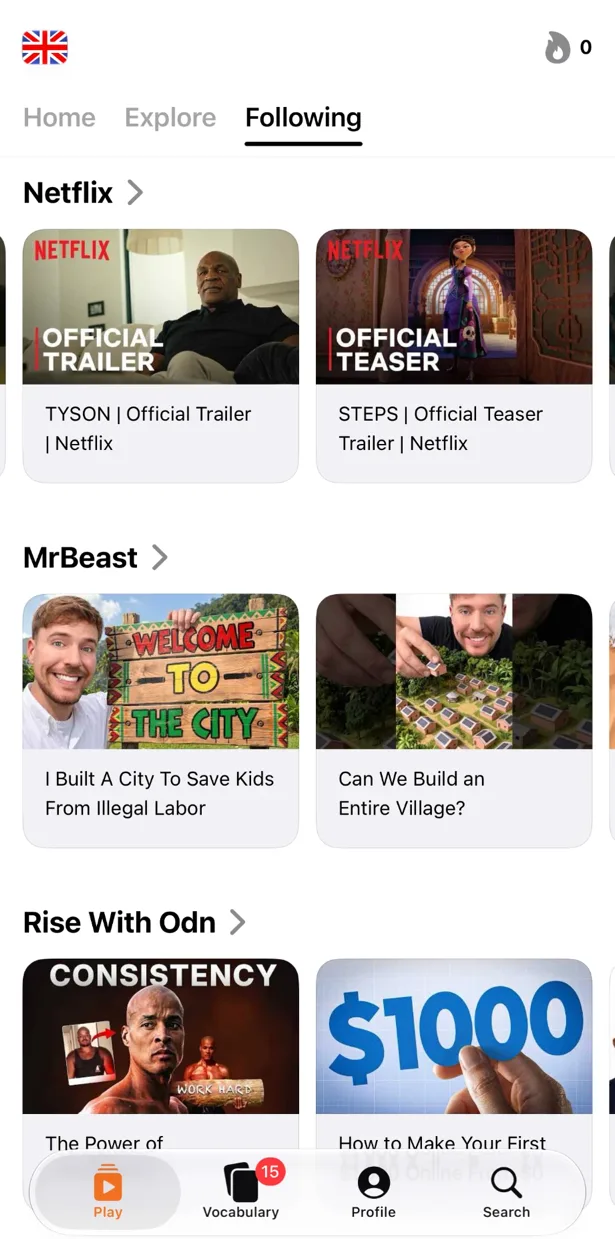
Paste a link, share from the YouTube app or search inside PlayLingo. Interviews, vlogs, lectures, news, a creator you follow — anything with subtitles opens as a lesson. For each of the 67 languages there is also a catalog sorted by level, so beginners get short, easy videos first.
Lingo explains the line, not just the word
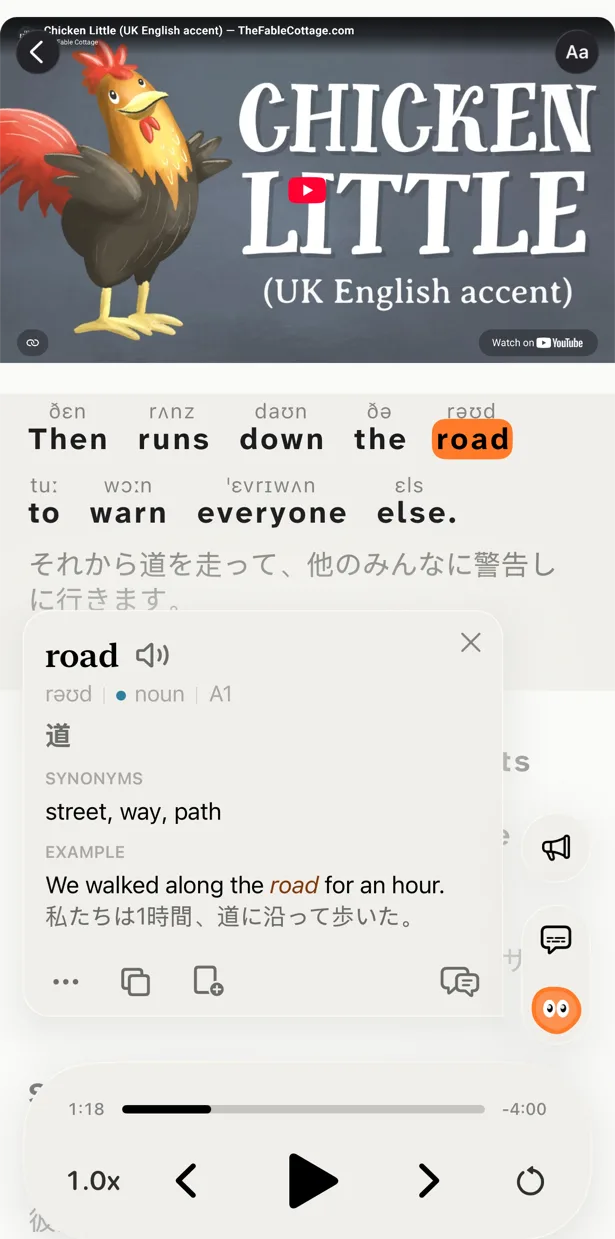
Tap a word or select a phrase and Lingo — the AI tutor in the player — explains what it means here, in your native language. Idioms, slang, grammar, tone. Ask a follow-up. Open a deep dive for word forms, frequency, origin and related words.
Practice that comes from the video
Yabla’s Scribe game is a dictation. PlayLingo gives you three practice modes on any video: Listen (text hidden, revealed word by word), Build (assemble the line from words) and Speak (repeat the line and see the words recognised). Saved words return as flashcards with the clip, on a spaced-repetition schedule, on iPhone, iPad, Mac and Android.
67 languages, all of them included
One plan covers 67 languages, each with its own catalog and explanations in your native language. Pro adds pronunciation above words for any language: pinyin or zhuyin for Chinese, furigana for Japanese, IPA for the rest.
Who should pick which
Both tools are good. They are not the same shape.
Pick Yabla if you want human-checked translations, learn one of its six languages, want live classes with a teacher, or use it in a school with a teacher dashboard.
Pick PlayLingo if you want to learn from any YouTube video, want AI explanations and practice on your phone, learn one of 67 languages, want to start free, and use an iPhone, iPad, Mac or Android phone.
If you switch from Yabla, keep the habit: one short video a day, both subtitle lines on, then one pass with the translation hidden.
On a computer: the free PlayLingo extension for Chrome
If you watch YouTube on a laptop, the free PlayLingo extension for Chrome shows two subtitle lines over the video: the original and its translation. No account needed. Word explanations, practice modes and saved words live in the app for iPhone, iPad, Mac and Android.
The method behind it
PlayLingo is built on comprehensible input: you acquire a language by understanding real messages slightly above your level, not by memorising rules. Real video is the densest source of that input ever made. The job of the app is to keep the help close enough that you never have to leave the video — and to turn what you watched into practice and memory.
FAQ
Is there a free Yabla alternative?+
PlayLingo is free to download and free to use every day: bilingual subtitles on any YouTube video, a catalog by level, AI explanations and a daily practice portion, with daily limits. Yabla has no free plan, only a 7-day trial.
Are PlayLingo’s translations as accurate as Yabla’s?+
Yabla’s translations are written by people; PlayLingo’s are made by AI, sentence by sentence, in context. That means idioms are translated by meaning, and you can tap any word for an explanation. Human translation is still the gold standard for a fixed library; AI is what makes translation possible for any video in 67 languages.
Does PlayLingo have a dictation exercise like Yabla’s Scribe?+
Not dictation as such. Listen mode hides the subtitle and lets you reveal it word by word after you have understood the line by ear; Build mode has you assemble the sentence from word tiles. Together they train the same skill.
Can I learn two languages with one PlayLingo subscription?+
Yes. Every plan, including the free one, covers all 67 languages, and you can add several languages and switch between them. Yabla sells each language separately.
Does PlayLingo work on Android or the web?+
On Android, yes — PlayLingo is on Google Play for Android 9 and later. There is no web version yet: on a computer, the free PlayLingo extension for Chrome adds bilingual subtitles to YouTube, and a Mac with Apple Silicon runs the full app.
More comparisons
PlayLingo is one of several tools built on real content. Here is how it compares to the others people ask about:
Try the Yabla alternative with no library limits.
Free to download. iPhone, iPad, Mac and Android.