
The Miraa alternative for shadowing any YouTube video.
Free to download. iPhone, iPad, Mac and Android.
Miraa is a shadowing app built around AI transcription: you bring an audio or video file, it makes bilingual subtitles, and you practise with its Echo Method — listen, understand, imitate, compare. It is good at turning your own material into a transcript. PlayLingo starts from the other end: any YouTube video with subtitles and a catalog sorted by level in 67 languages, with shadowing, an AI tutor and flashcards built into the player.
Why people look for a Miraa alternative
Miraa is well rated and does one thing thoroughly. The reasons people look further are about scope:
- Eight languages. English, Japanese, Chinese, Korean, Spanish, German, Italian and French. Thai, Vietnamese, Arabic, Russian or Portuguese as a target language means another app.
- You bring the material. Miraa is built around transcribing files and links you already have. If you don’t know what to watch at your level, there is no graded video catalog to start from.
- Transcription time is the limit. The free plan is limited by how much you can transcribe, so longer videos run into it quickly.
- One way to practise. The exercise is the Echo Method. It is good shadowing, and it is the main thing the app does.
If you mostly shadow your own recordings, lectures or podcasts in one of those eight languages, Miraa fits well. If you learn from YouTube, want material picked for your level or learn a language Miraa doesn’t cover, PlayLingo is the closer match.
Miraa vs PlayLingo, side by side
The short version: Miraa transcribes the audio and video you bring and trains you with shadowing. PlayLingo turns any YouTube video into a lesson in 67 languages, with a catalog by level, an AI tutor, five practice modes and flashcards.
Facts about Miraa are from its App Store and Google Play listings as of 21 September 2026.
What PlayLingo keeps from Miraa
Miraa is right about the core: you learn to speak by copying real speech, line by line, until it sounds like the original. PlayLingo keeps that.
Listen, understand, imitate, compare
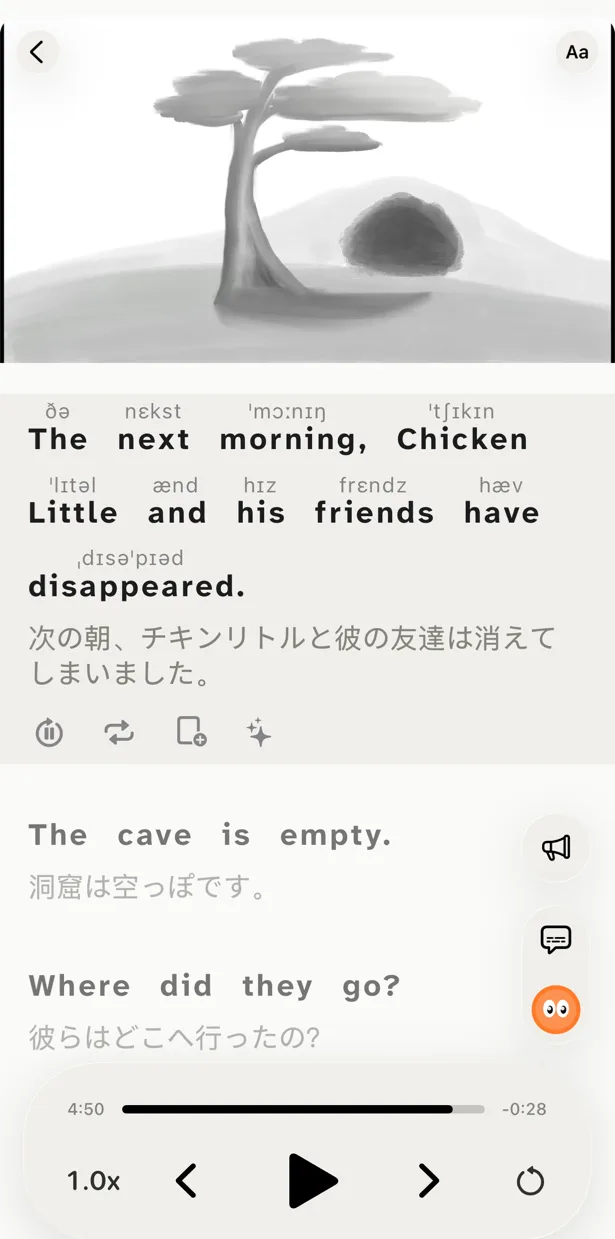
Speak mode follows the same loop on any video: the line plays and stops, you check the translation if you need it, say it out loud and play your recording against the original. It is shadowing without leaving the player.
Hear it before you read it
Miraa’s delayed reveal is PlayLingo’s Listen mode: the subtitle stays hidden while you listen, and you reveal it word by word or all at once.
An AI that explains the sentence
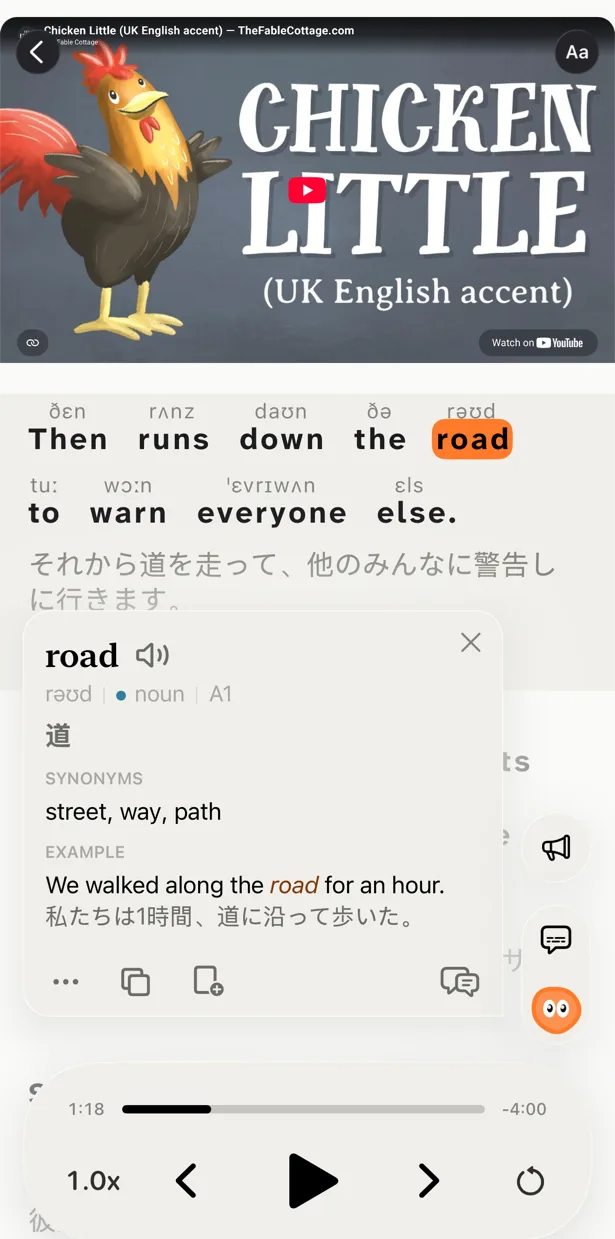
Tap a word or select a phrase and Lingo explains it in this sentence, in your native language — the idiom, the slang, the grammar. Ask a follow-up if it’s still unclear.
What PlayLingo does differently
67 languages, not eight
Learn Thai, Vietnamese, Arabic, Russian, Portuguese, Turkish or 60 more, with explanations and translation in your own language, whichever it is.
Something to watch at your level
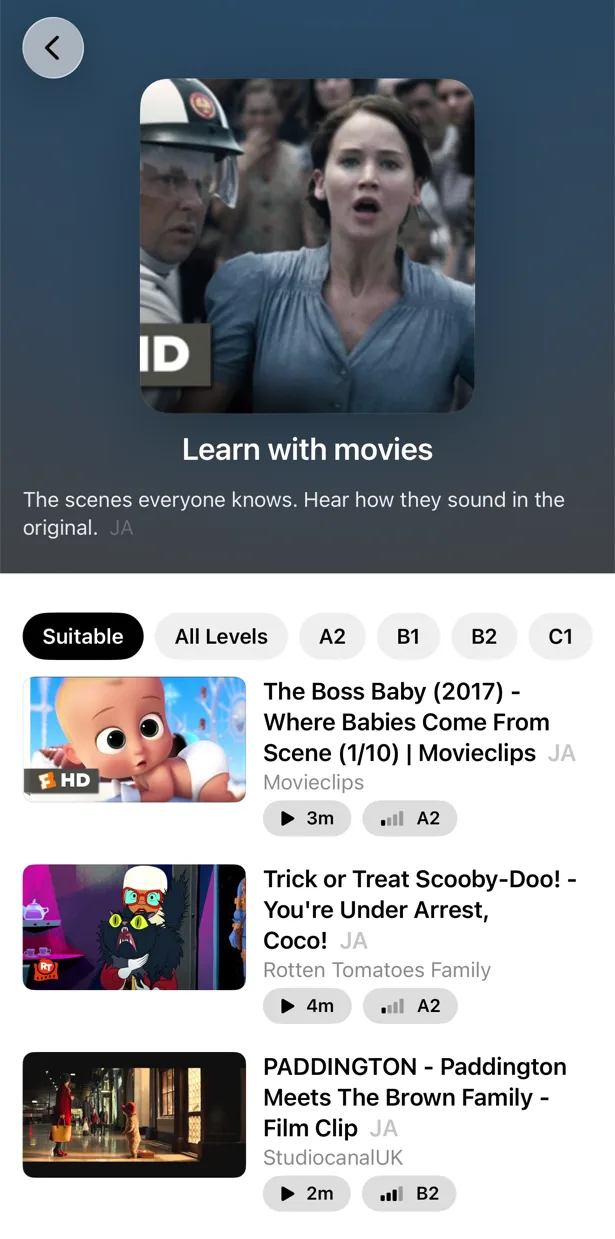
Every language has a catalog sorted by CEFR level: slow speech for beginners, real people at natural speed, long conversations for advanced learners. You don’t have to find and upload material first.
More than one way to practise
Beyond shadowing, Build mode has you assemble each line from word tiles, and Understand mode hides the translation until you check yourself — the steps between hearing a sentence and saying it on your own.
Words that come back
Save a word from the subtitles and it returns as a flashcard with the video moment where you heard it, on a spaced-repetition schedule.
Who should pick which
Both are good shadowing tools. They start from different places.
Pick Miraa if you want to transcribe your own files, lectures or podcasts, learn one of its eight languages, need SRT export, or use Vision Pro.
Pick PlayLingo if you learn from YouTube, want material chosen for your level, learn any of 67 languages, want more practice than shadowing and words that come back as flashcards, and use an iPhone, iPad, Mac or Android phone.
Some learners transcribe their own recordings in Miraa and do everything they watch on YouTube in PlayLingo.
On a computer: the free PlayLingo extension for Chrome
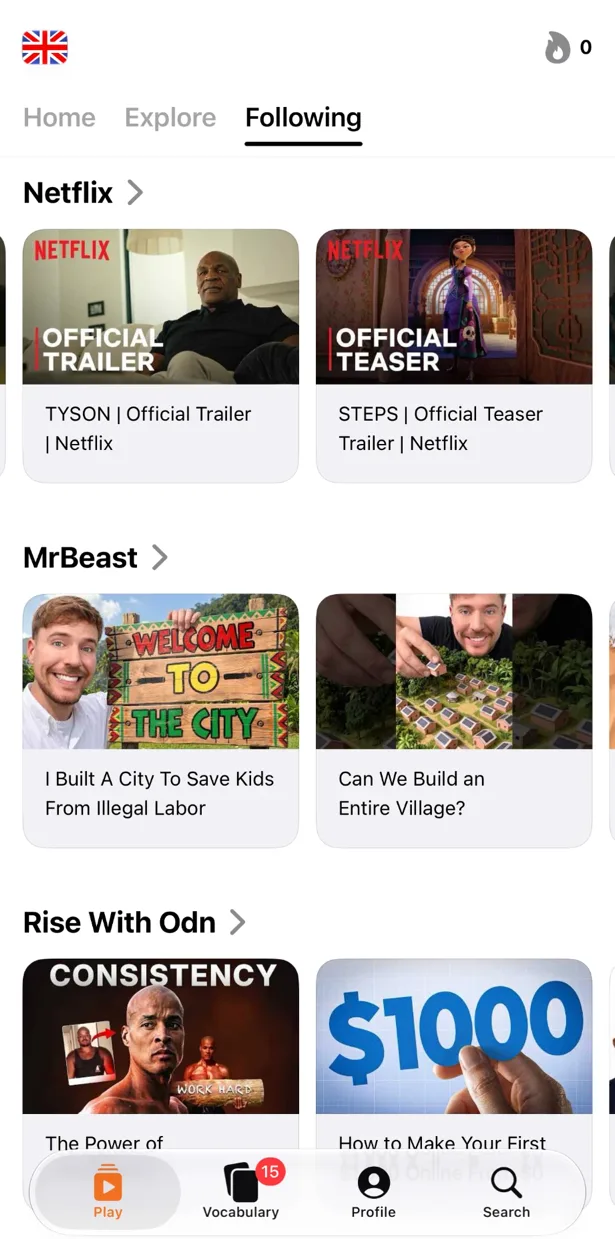
If you watch YouTube on a laptop, the free PlayLingo extension for Chrome shows two subtitle lines over the video: the original and its translation. No account needed. Word explanations, practice modes and saved words live in the app for iPhone, iPad, Mac and Android.
The method behind it
PlayLingo is built on comprehensible input: you acquire a language by understanding real messages slightly above your level, not by memorising rules. Real video is the densest source of that input ever made. The job of the app is to keep the help close enough that you never have to leave the video — and to turn what you watched into practice and memory.
FAQ
Is PlayLingo a free Miraa alternative?+
Yes, with daily limits. Bilingual subtitles on any YouTube video, the catalog by level, AI explanations and a daily portion of practice, shadowing included, are free every day, with no ads. Pro removes the limits.
Does PlayLingo have shadowing like Miraa’s Echo Method?+
Yes. In Speak mode the video stops after each line, you say it out loud, the words light up as they are recognised, and you can play your recording against the original. It works on any YouTube video.
Can PlayLingo transcribe my own audio files?+
No. PlayLingo works with YouTube videos that have subtitles and with its own catalog. If you need to transcribe your own recordings, Miraa is built for that.
Which languages does PlayLingo support?+
67 languages to learn, each with its own catalog by level, and explanations in your native language. Miraa covers eight.
Does PlayLingo work on Android?+
Yes. PlayLingo is on Google Play for Android 9 and later, with the same catalog, explanations and practice as on iPhone. On a computer, the free PlayLingo extension for Chrome adds bilingual subtitles to YouTube.
More comparisons
PlayLingo is one of several tools built on real content. Here is how it compares to the others people ask about:
Try the Miraa alternative built for YouTube.
Free to download. iPhone, iPad, Mac and Android.