
Shadow any YouTube video, line by line.
Free to download. iPhone, iPad, Mac and Android.
Shadowing means repeating after a native speaker, line by line, copying their rhythm and melody. PlayLingo turns any YouTube video into shadowing practice: the video pauses after every line, you say it out loud, and the app shows which words it heard. On iPhone, iPad, Mac and Android, in 67 languages.
How shadowing works in PlayLingo
- 1Pick a video. Anything on YouTube — paste a link, share it from the YouTube app, or choose from collections sorted by level.
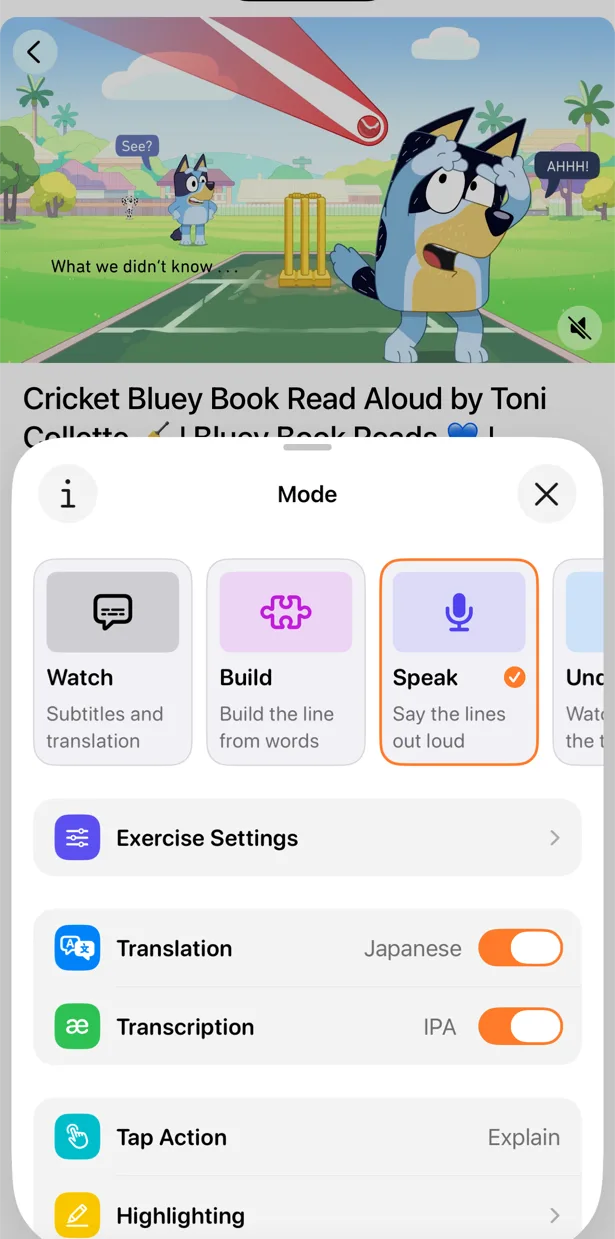
- 2Turn on Speak. Tap the mode button and choose Speak. Now the video plays one line and stops.
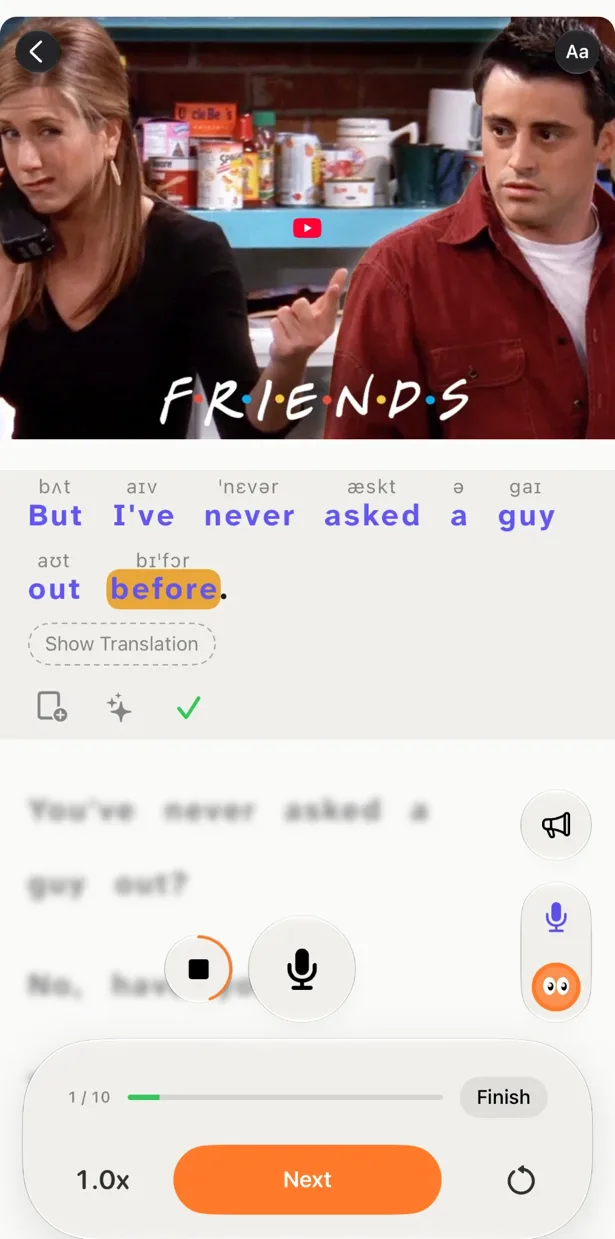
- 3Say the line out loud. Tap the microphone and repeat. Words light up as your device hears them, and the line counts even if one word slips.
- 4Listen back and move on. Play your recording next to the original, then go to the next line. Ten lines a day is a good start.
Made for shadowing, not just watching
Your videos, not a fixed course
Shadow the YouTuber, film scene or interview you actually enjoy. The best shadowing material is the one you want to replay.
Words light up as you speak
Speech recognition marks every word it catches — a practical signal that you said it clearly.
Slow it down
Video speed from 0.25× to 1×. Slow a line down until you can keep up, then bring it back to full speed.
Loop one line
Repeat a single line, or just a few words of it, as many times as you need.
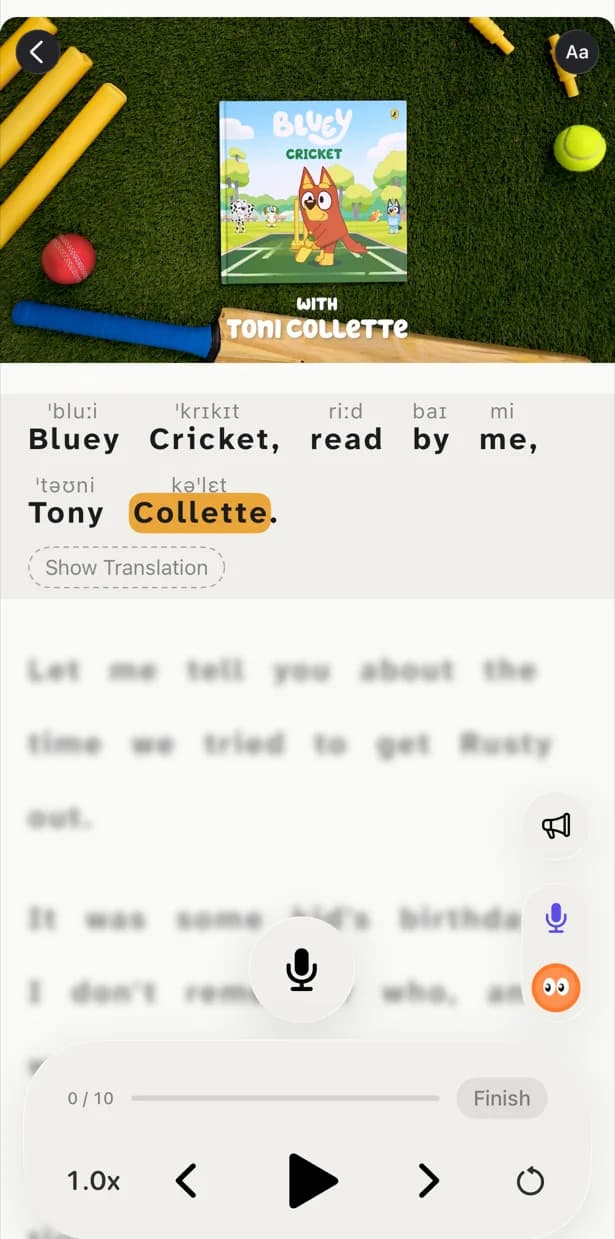
Pronunciation above the words
Transcription over the subtitles: IPA for English, furigana for Japanese, pinyin for Chinese.
Translation on a tap
Keep the translation hidden and open it when you need it: copy the sound first, check the meaning after.
Works in every language
You can learn 67 languages in PlayLingo, and Speak works in all of them. When your device recognises the language, words light up as you say them. When it doesn't, you record yourself, listen back and compare with the original — the line still counts.
New to shadowing?
Read our guide to shadowing practice: what the technique is, why it works, how to do it step by step and the mistakes that slow people down.
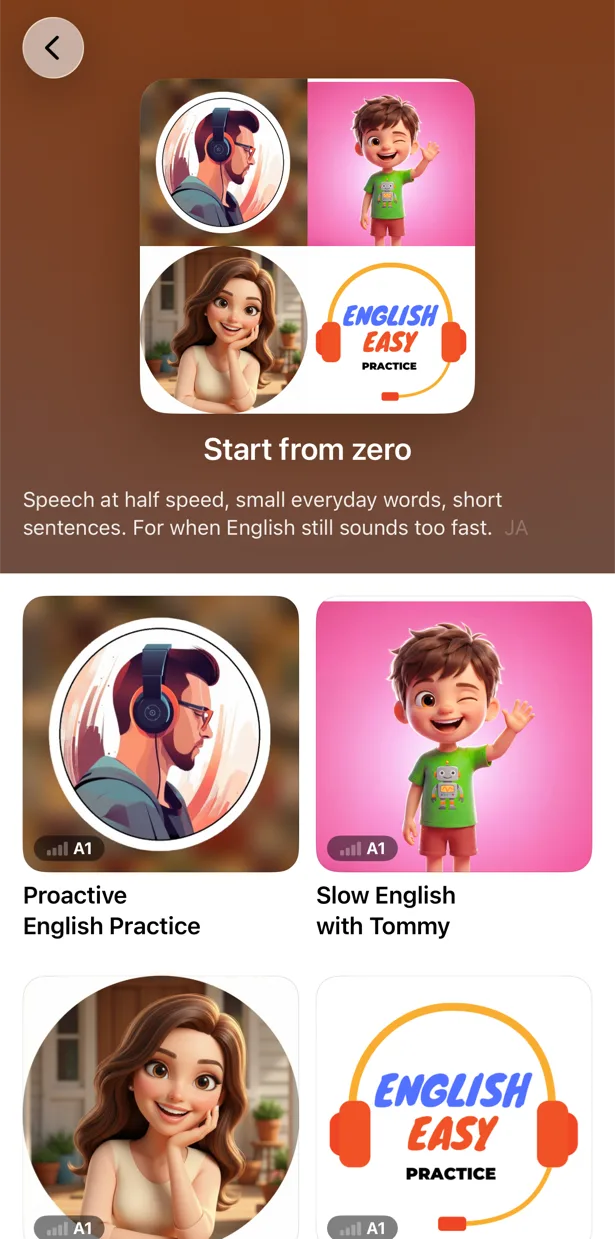
Learning English? Here is what to shadow at each level, from A1 to C1.
FAQ
Is shadowing in PlayLingo free?+
Yes. Speak mode gives you free lines every day — 10 by default. Pro makes Speak unlimited and adds pronunciation above the words.
Does it check my pronunciation?+
It checks whether each word is recognised, which is a practical signal of clear pronunciation. It doesn't grade your accent: for that, listen to your recording next to the original.
Can I shadow my own YouTube videos?+
Yes. Paste a link or share a video from the YouTube app, and PlayLingo opens it with subtitles and translation. Any YouTube video with subtitles works.
Which languages can I shadow?+
All 67 languages you can learn in PlayLingo. Where your device recognises the language, words light up as you speak; where it doesn't, you record yourself and listen back.
Does it work on Android?+
Yes. PlayLingo is on Google Play for Android 9 and later, and shadowing works there the same way as on iPhone. On a computer, the free Chrome extension adds dual subtitles to YouTube, but shadowing practice lives in the app.
Does my voice leave my phone?+
No. On iPhone, iPad and Mac, speech is recognised by Apple’s speech recognition; on Android, by your phone’s own speech recognition. Your voice is not uploaded to our servers.
Start shadowing tonight.
Free to download. iPhone, iPad, Mac and Android.