
The Duolingo alternative for when real speech still sounds like noise.
Free to download. iPhone, iPad, Mac and Android.
Duolingo is where most people start, and it is good at that. The problem shows up later: a long streak, a few thousand words, and a YouTube video in the language still goes by too fast to follow. That is not a failure of effort. It is the gap between recognising sentences in an app and understanding people. PlayLingo is built for that gap — real YouTube videos with bilingual subtitles, an AI tutor that explains every line, and practice modes on the video itself. Free to start, 67 languages.
Why people look for a Duolingo alternative
Duolingo has more learners than any other language app, and its 2025–2026 reviews and forum threads repeat the same handful of frustrations:
- The intermediate plateau. Most courses ended at A2 until 2026, and even the nine courses extended to B2 stay inside the app’s exercise format. Learners describe reading fine and still not following a podcast, a show or a conversation.
- No real content. Every sentence is written for the lesson and read by synthetic voices. Nothing prepares you for native speed, slang, jokes or a speaker who swallows half the words.
- The energy system. Since 2025 the free plan spends one energy point per question, right or wrong; two or three lessons and you wait, watch ads or pay. “Punished for using the app” is the most upvoted complaint on Reddit.
- AI-generated courses. The 2025 “AI-first” shift and the 148 new AI-built courses drew criticism about accuracy, especially for Japanese and other non-European languages.
- Max is a separate tier. The AI features sit behind a separate paid plan, and the one most people wanted — Explain My Answer — is now free anyway.
None of this means you should delete Duolingo. It means Duolingo teaches you to recognise a language, and at some point you need a tool that teaches you to understand people. That is a different job.
Duolingo vs PlayLingo, side by side
The short version: Duolingo is a gamified course that takes you from zero to about A2–B1 with synthetic sentences. PlayLingo is comprehensible input from real video for A1 and up, with an AI tutor and practice on the video itself.
What PlayLingo keeps from Duolingo
Duolingo got a lot right about habits. PlayLingo keeps the parts that make people show up.
A low daily bar
A learning day in PlayLingo counts after a few minutes of watching, a practice portion or a handful of lines. The streak survives a busy day, and freezes are earned by showing up. The bar is low on purpose: what matters is that you meet the language today.
Short sessions that fit a phone
The catalog for every language has a “6 minutes or less” shelf. A commute is enough for a whole video, a few explanations and a practice portion.
Free every day
Subtitles, the catalog, any YouTube video and Lingo’s explanations are free every day, with daily limits. There is no energy that drains per question, and no ads between lessons.
What PlayLingo does that Duolingo cannot
Real speech from real people
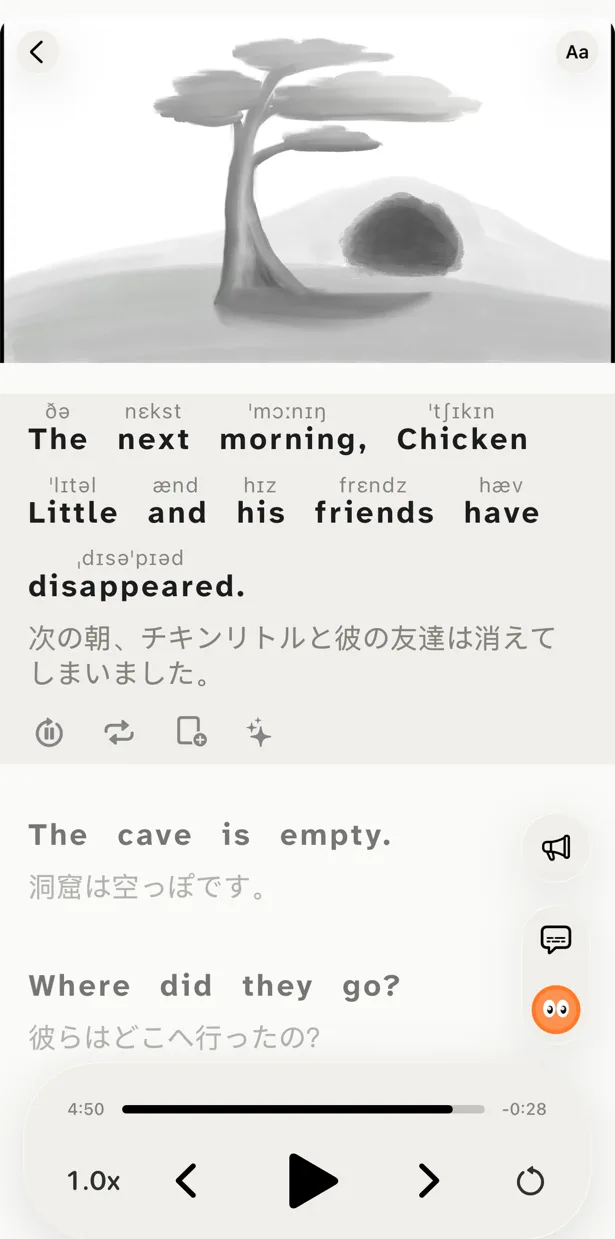
Every line you study was said by a native speaker to other native speakers — a vlogger, an interviewer, a lecturer, a comedian. Bilingual subtitles keep it understandable: the original on top, an AI translation in context under it. This is the comprehensible input that courses cannot provide, and it is the only thing that trains your ear.
Content you choose
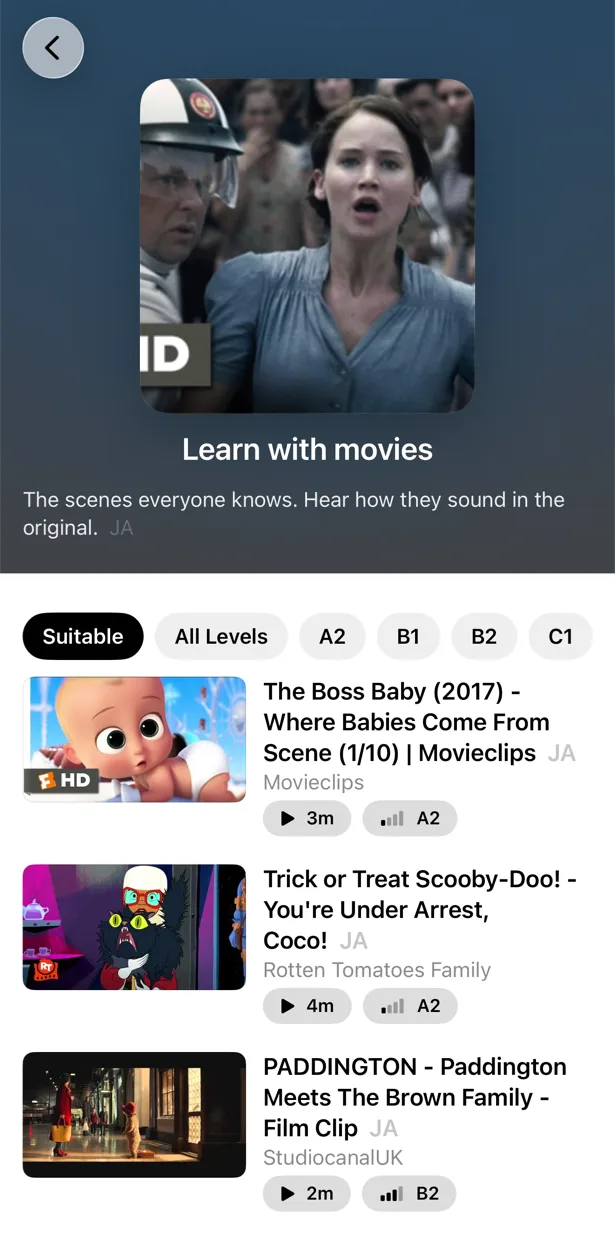
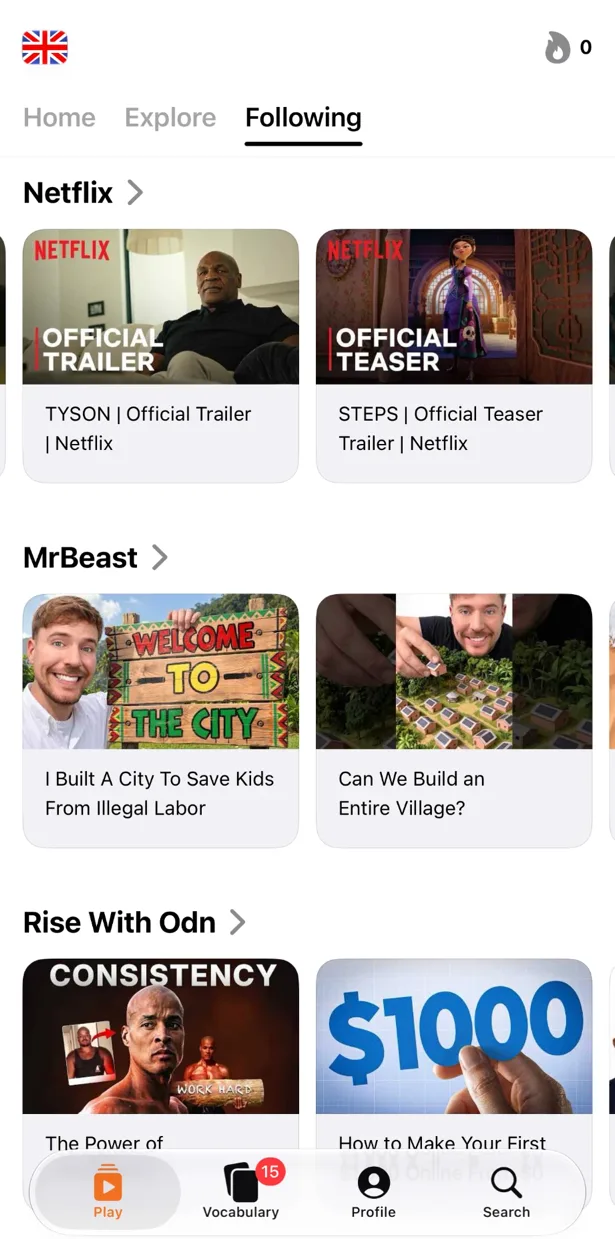
Paste any YouTube link, share from the YouTube app or search inside PlayLingo. If you would watch it anyway, you can learn from it. When you want a suggestion, the catalog for each of the 67 languages is sorted by CEFR level, from a “Start here” shelf to C1.
An AI tutor inside the video
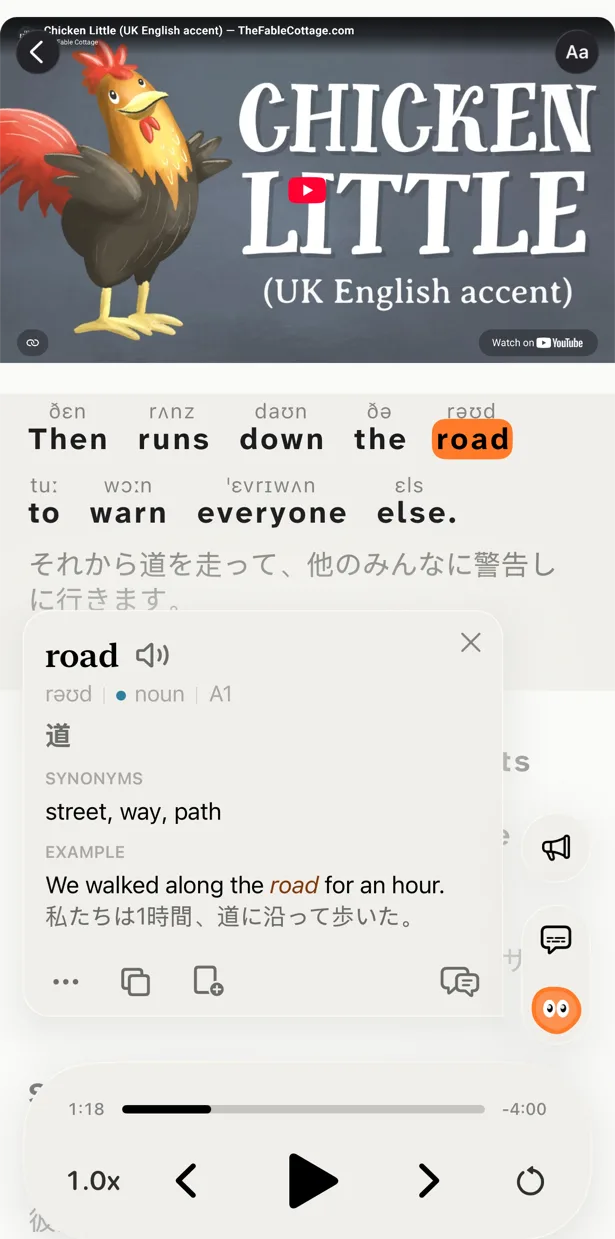
Tap a word or select a phrase and Lingo explains what it means in this sentence, in your native language: the slang, the joke, the grammar, the tone. Ask a follow-up. Pro adds deep dives with word forms, frequency, origin and examples.
Practice on the same video
Five ways to watch: with both lines, with the translation hidden, with the text hidden, by building each line from word tiles, or by saying each line out loud with recognition. Saved words come back as flashcards with the clip, on a spaced-repetition schedule. Practice is not a separate game; it is the video you chose, done harder.
Who should pick which
The honest answer is that these tools do different jobs.
Keep Duolingo if you are starting from zero, need the alphabet and the first few hundred words, or want the structure of a course and the pull of leagues and streaks.
Add PlayLingo when you can read simple sentences but real speech goes by too fast — typically A1 to B1 — and you want to learn from videos you actually enjoy, with an AI tutor and practice on the video.
Many learners run both: a Duolingo lesson for structure, then a PlayLingo video for real speech. When Duolingo starts to feel like a chore, that is usually the sign the second one should take over.
Moving from Duolingo to PlayLingo
You do not need to quit anything. Here is how people usually make the switch.
Step 1 — Set your level honestly
Onboarding asks for your CEFR level. If you finished a Duolingo course, you are most likely A2. Pick that; the catalog will show short videos you can mostly follow, and you can raise the level any time.
Step 2 — Start with the “Start here” shelf
Do not open a 40-minute interview on day one. The first shelf for every language is short, clearly spoken videos. Watch with both subtitle lines, tap what you do not know, save three or four words.
Step 3 — Move your streak, not your habit
Keep the same time of day you used for Duolingo. A learning day in PlayLingo takes a few minutes, and the streak works the same way. Day one in PlayLingo is not a reset; it is the next day of the same language.
Step 4 — Add one practice mode a week
Week one, just watch. Week two, rewatch with the translation hidden. Week three, try Listen mode. By the time you reach Speak mode you will be repeating lines from real people, which is the thing Duolingo never asked you to do.
On a computer: the free PlayLingo extension for Chrome
If you watch YouTube on a laptop, the free PlayLingo extension for Chrome shows two subtitle lines over the video: the original and its translation. No account needed. Word explanations, practice modes and saved words live in the app for iPhone, iPad, Mac and Android.
The method behind it
PlayLingo is built on comprehensible input: you acquire a language by understanding real messages slightly above your level, not by memorising rules. Real video is the densest source of that input ever made. The job of the app is to keep the help close enough that you never have to leave the video — and to turn what you watched into practice and memory.
FAQ
Is PlayLingo a free Duolingo alternative?+
Yes. PlayLingo is free to download and free to use every day: bilingual subtitles on any YouTube video, a catalog by level, AI explanations and a daily practice portion, with daily limits on watching time and exercises. There are no ads and no energy spent per question. Pro removes the limits.
Can PlayLingo replace Duolingo for a complete beginner?+
Not on its own. PlayLingo works from A1 up: you should be able to read the alphabet and know a few hundred words. Before that, a course like Duolingo is the right tool. Many people use Duolingo for the first weeks and PlayLingo from A1–A2 on.
What should I use after finishing Duolingo?+
Something with real speech. After a Duolingo course you can usually read simple sentences but cannot follow native speakers. PlayLingo is built for exactly that step: real YouTube videos made understandable with bilingual subtitles and an AI tutor, plus practice modes on the same video.
Does PlayLingo have a streak?+
Yes — a daily streak with a low bar (a few minutes of watching, a practice portion or a handful of lines) and freezes earned by consecutive days. There are no leagues, hearts or energy.
Does PlayLingo teach grammar?+
In context. Tap a word and Lingo explains why this form is used here; deep dives (Pro) cover grammar, word forms and examples. There is no separate grammar course — the grammar you meet is the grammar of the videos you watch.
Is PlayLingo available on Android or the web?+
On Android, yes — PlayLingo is on Google Play for Android 9 and later. There is no web version yet: on a computer, the free PlayLingo extension for Chrome adds bilingual subtitles to YouTube, and a Mac with Apple Silicon runs the full app.
More comparisons
PlayLingo is one of several tools built on real content. Here is how it compares to the others people ask about:
Try the Duolingo alternative that teaches from real speech.
Free to download. iPhone, iPad, Mac and Android.