
The VoiceTube alternative that opens any video, not just English.
Free to download. iPhone, iPad, Mac and Android.
VoiceTube built one of the best video libraries for learning English: a hundred thousand clips with human-made bilingual subtitles, sorted by level, with pronunciation scoring. If you learn English from Taiwan, Japan or Vietnam and like a curated library, it is a serious tool. But it teaches only English, its subtitles come in three languages, the free plan runs on energy points and ads, and your own YouTube videos need Pro. PlayLingo is built the other way round: any YouTube video, 67 languages, explanations in yours, and a free plan without energy or ads.
Why people look for a VoiceTube alternative
VoiceTube’s App Store reviews are high, but the same complaints come back in every language it serves, especially after the 2025 changes to the free plan:
- Energy points and ads. On the free plan, vocabulary review, dictation and pronunciation analysis spend energy — ten points at most, one back per hour or five for watching an ad. Reviews from 2025 describe updates that “made it worse” and lost saved videos.
- English only. VoiceTube teaches English, with subtitles translated into Traditional Chinese, Japanese and Vietnamese. If you learn Korean, Spanish or French, or your native language is anything else, it is not for you.
- Your own videos need Pro. The library is curated; importing a YouTube video of your choice is a paid feature, and the subtitles for it are generated automatically.
- Two apps and a challenge. VoiceTube, VoiceTube Hero and Tutor are separate products with separate subscriptions, and the “zero-dollar challenge” refund needs a year of weekly lessons and a manual claim. Reviewers call the plans confusing.
- Dictionary definitions, not explanations. Tap a word and you get a dictionary entry and example clips. Nothing tells you why this sentence is funny, rude or grammatically odd.
VoiceTube is a good library. If what you want is to learn from the YouTube you already watch — in any language, with someone explaining each line — you want a different kind of tool.
VoiceTube vs PlayLingo, side by side
The short version: VoiceTube is a curated English library with human subtitles for Chinese, Japanese and Vietnamese speakers, plus paid courses. PlayLingo turns any YouTube video into a lesson in 67 languages, with an AI tutor and practice, and a free plan without energy points.
What PlayLingo keeps from VoiceTube
VoiceTube got the core right more than a decade ago. PlayLingo keeps all of it.
Real video, sorted by level
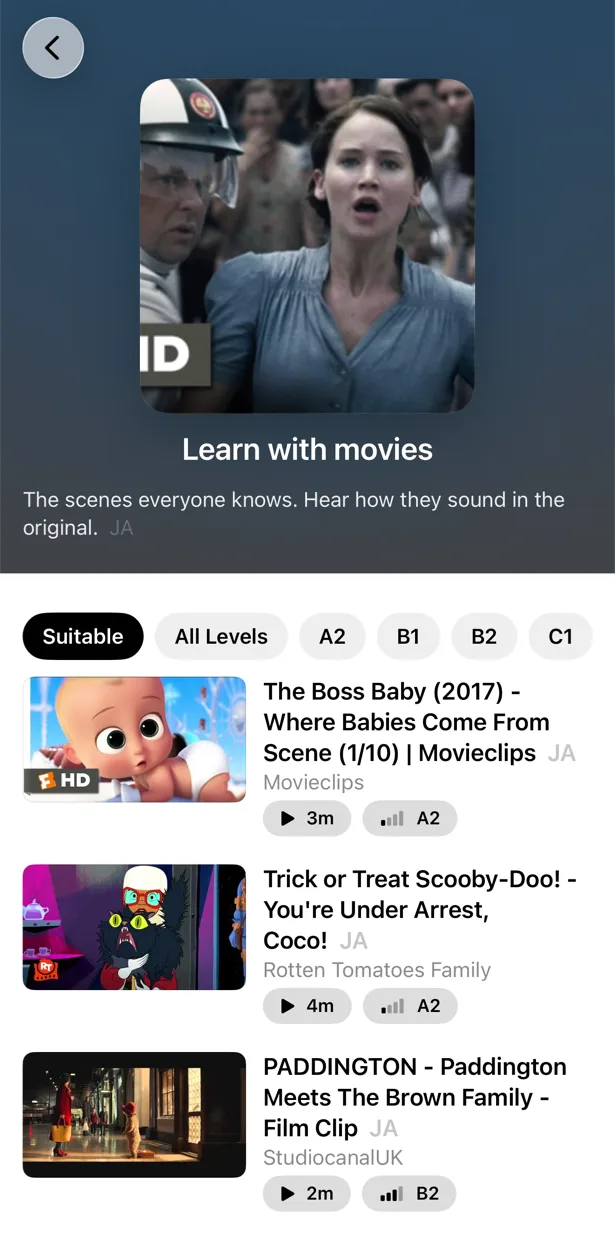
Native speakers at native speed, and a catalog that tells you what you can handle. PlayLingo’s catalog for each language is sorted by CEFR level with a “Start here” shelf for beginners and a “6 minutes or less” shelf for busy days.
Two subtitle lines you control
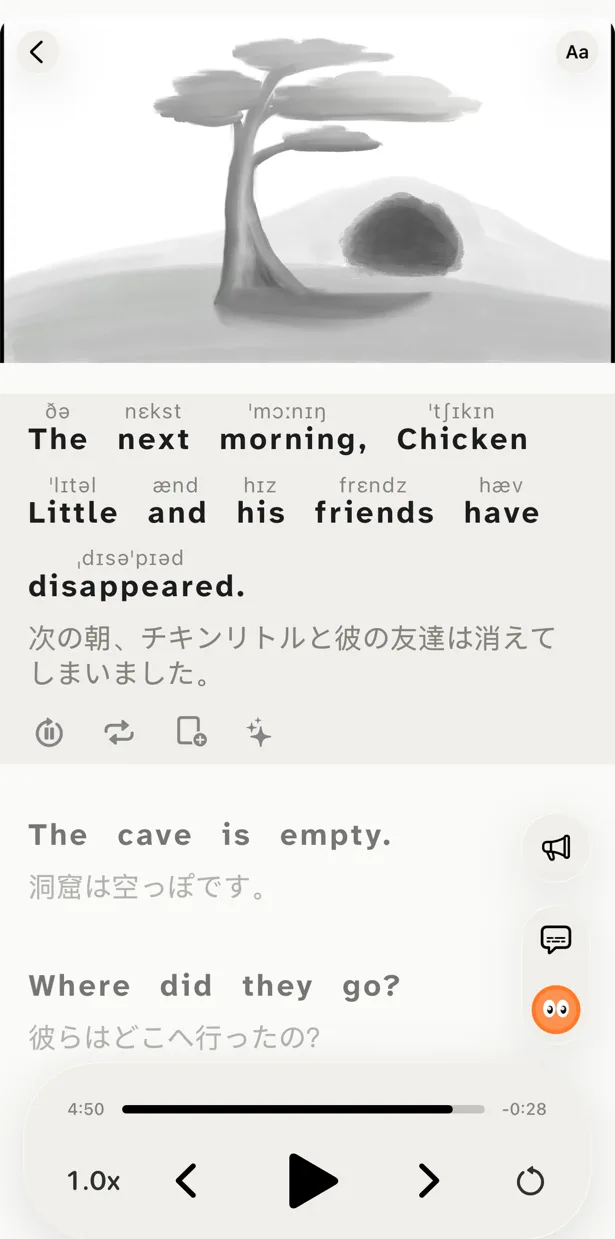
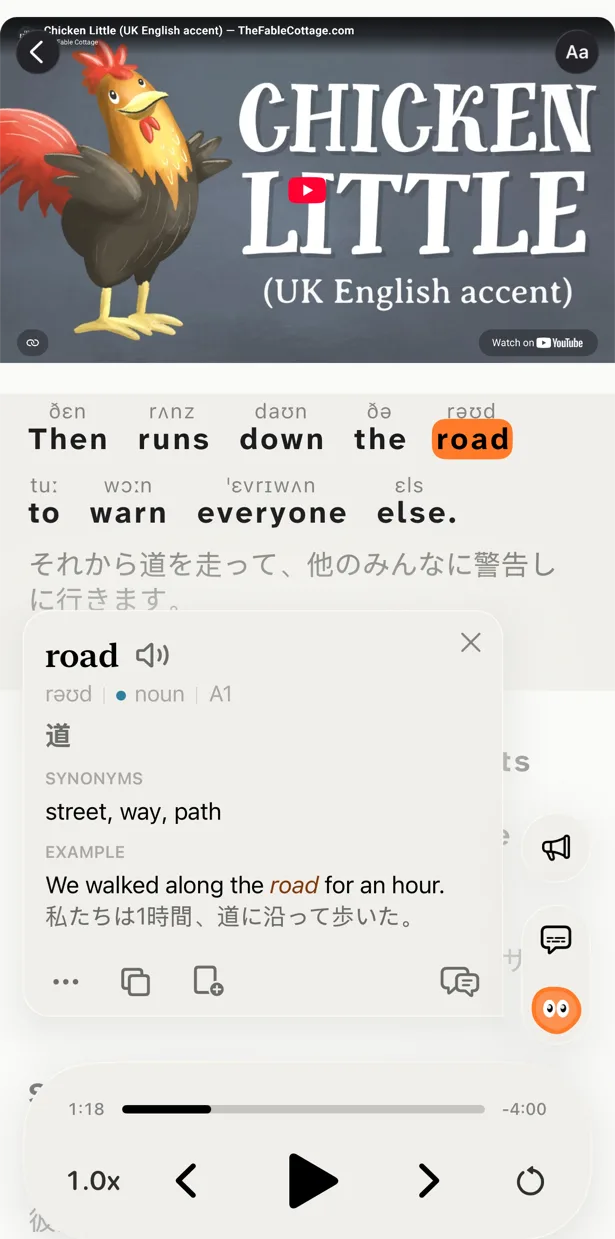
The original on top, the translation under it. Hide the translation to test yourself, hide the original to train your ear. Tap a word for its meaning without leaving the video.
Repeat, slow down, say it
Replay a line, slow it, auto-pause after every sentence, and repeat it out loud in Speak mode with the words lighting up as they are recognised. The shadowing habit VoiceTube teaches works the same way here.
What PlayLingo does differently
Any YouTube video, on the free plan
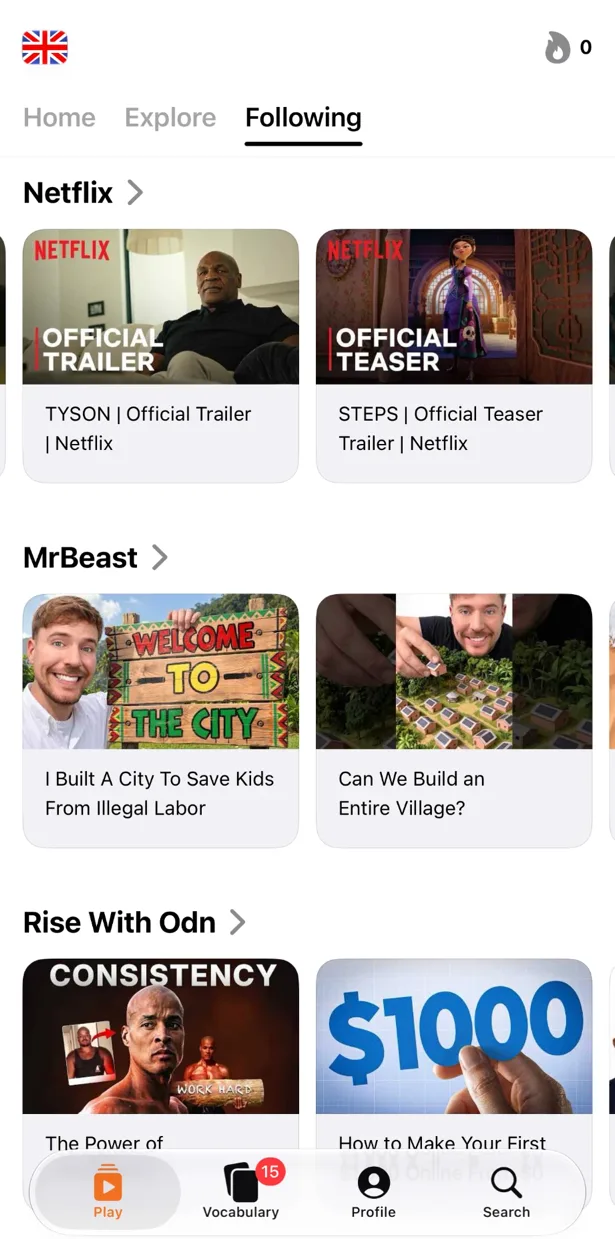
Paste a link, share from the YouTube app or search inside PlayLingo. Any video with subtitles opens with a translation under every line and Lingo ready to explain. No Pro needed to bring your own content — the catalog is a suggestion, not a fence.
67 languages, explained in yours
Learn English, or Japanese, Korean, Spanish, French, German, Thai, Vietnamese and 60 more, each with its own catalog. Explanations and translations come in your native language — whichever it is — and switching between languages is free.
Lingo explains the line, not just the word
Tap a word or select a phrase and Lingo — the AI tutor in the player — explains what it means in this sentence, in your native language: the idiom, the slang, the grammar, the tone. Ask a follow-up. Pro adds deep dives with word forms, frequency, origin and examples.
No energy, no ads
The free plan has daily limits on watching time and practice, refilled every day — no points spent per exercise, no ads to watch for more. Pro removes the limits, all languages included.
Who should pick which
Both tools are good. They are not the same shape.
Pick VoiceTube if you learn English from Traditional Chinese, Japanese or Vietnamese, want a curated library with human subtitles, want per-word pronunciation scores, structured Hero courses or live tutors, or want to study on the web.
Pick PlayLingo if you want to learn from the YouTube videos you already watch, learn a language other than English (or English from any native language), want AI explanations of every line, want a free plan without energy points, and use an iPhone, iPad, Mac or Android phone.
Some learners keep VoiceTube for its pronunciation drills and use PlayLingo for everything they watch outside the library.
On a computer: the free PlayLingo extension for Chrome
If you watch YouTube on a laptop, the free PlayLingo extension for Chrome shows two subtitle lines over the video: the original and its translation. No account needed. Word explanations, practice modes and saved words live in the app for iPhone, iPad, Mac and Android.
The method behind it
PlayLingo is built on comprehensible input: you acquire a language by understanding real messages slightly above your level, not by memorising rules. Real video is the densest source of that input ever made. The job of the app is to keep the help close enough that you never have to leave the video — and to turn what you watched into practice and memory.
FAQ
Is there a free VoiceTube alternative without energy points?+
PlayLingo is free to use every day with daily limits on watching time and practice, and nothing is spent per exercise. There are no ads. Pro removes the limits.
Can I open my own YouTube videos in PlayLingo for free?+
Yes. Paste a link, share from the YouTube app or search inside PlayLingo — any video with subtitles opens with a translation and explanations, on the free plan. In VoiceTube, importing your own YouTube video is a Pro feature.
Does PlayLingo teach languages other than English?+
Yes — 67 languages, each with its own catalog by level: Japanese, Korean, Chinese, Spanish, French, German, Thai, Vietnamese and many more. Explanations come in your native language. VoiceTube teaches English only.
Does PlayLingo score my pronunciation like VoiceTube?+
Speak mode has you repeat each line and shows which words were recognised, line by line on any video. It does not give a per-word percentage score the way VoiceTube does; the goal is repetition on real speech, not a number.
Are PlayLingo’s subtitles human-made?+
The original subtitles come from the video’s author or YouTube; the translation is made by AI, sentence by sentence, in context. That is what makes any video in 67 languages possible. VoiceTube’s library subtitles are human-translated for three languages.
Does PlayLingo work on Android or the web?+
On Android, yes — PlayLingo is on Google Play for Android 9 and later. There is no web version yet: on a computer, the free PlayLingo extension for Chrome adds bilingual subtitles to YouTube, and a Mac with Apple Silicon runs the full app.
More comparisons
PlayLingo is one of several tools built on real content. Here is how it compares to the others people ask about:
Try the VoiceTube alternative for any video.
Free to download. iPhone, iPad, Mac and Android.