
Learn a language from YouTube with AI
PlayLingo turns any YouTube video into language practice: subtitles by sentence, translation in context, an assistant that explains any word, five ways to watch the same video, and vocabulary review that keeps the moment where you heard the word.
Facts
- Name
- PlayLingo
- Website
- playlingo.app
- App Store
- id6743090216
- Google Play
- app.playlingo.android
- Category
- Education · Language learning
- Pricing
- Free every day; Pro monthly or yearly, 7-day trial
- Launched
- April 2025 (iOS) · October 2026 (Android)
- Developer
- Alexey Nenastev, solo founder
- Rating
- 4.6 · 3,800+ ratings on the App Store
- Learners
- 140,000+ in the last 12 months
- Languages
- 67, each with a catalog by level
- Review algorithm
- FSRS-6, as in Anki
- Modes per video
- 5: Watch · Understand · Listen · Build · Speak
- Press contact
- info@playlingo.app
Descriptions
Learn a language from YouTube with AI.
Language learning app that turns YouTube into practice: bilingual subtitles, shadowing, spaced repetition.
PlayLingo turns any YouTube video into language practice. Subtitles split by sentence, translation in context, and Lingo explains any word with a tap. Five ways to watch the same video: follow along, hide the translation, listen without text, rebuild the line, or say it out loud. Saved words come back with the scene where you heard them.
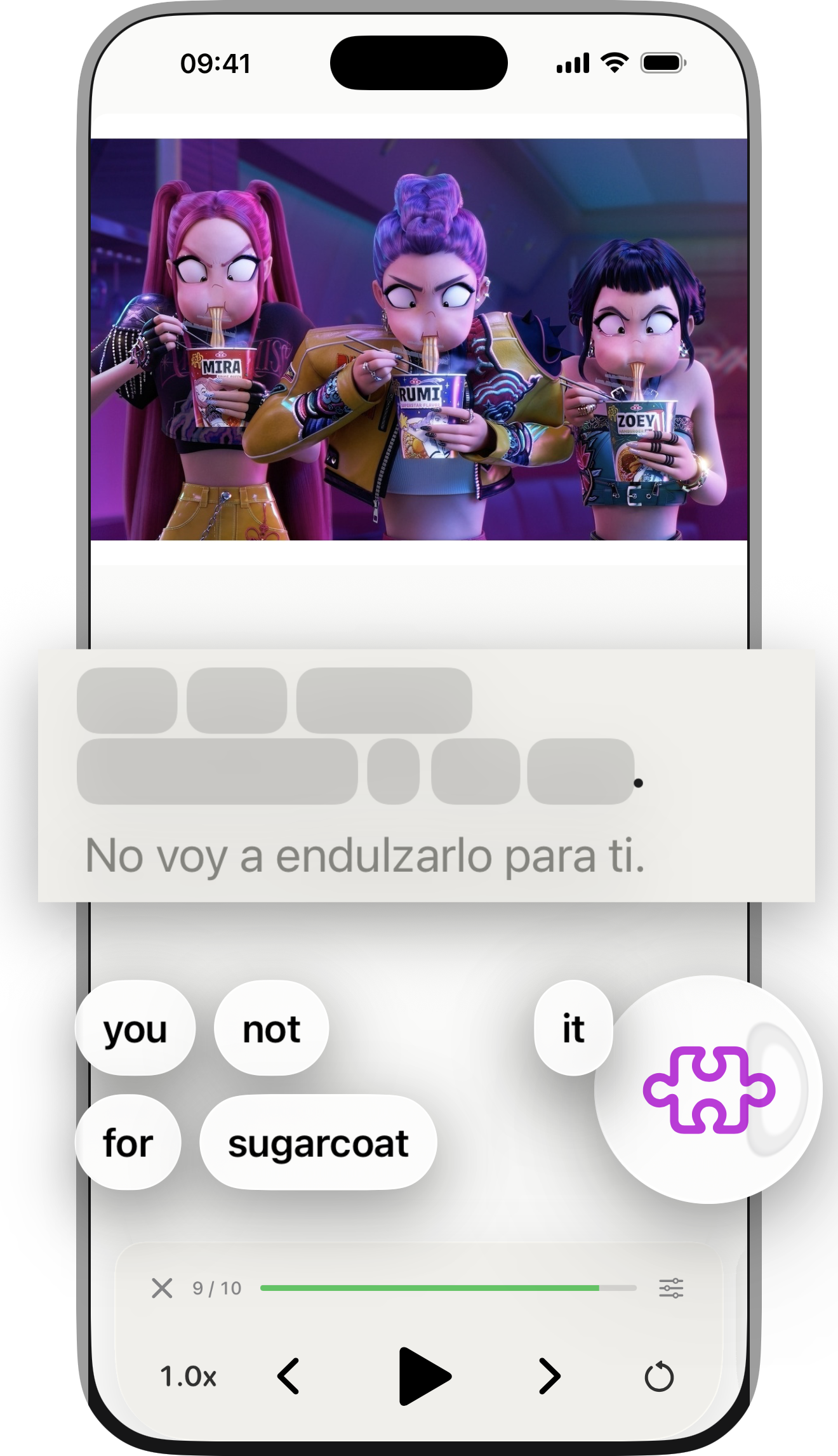
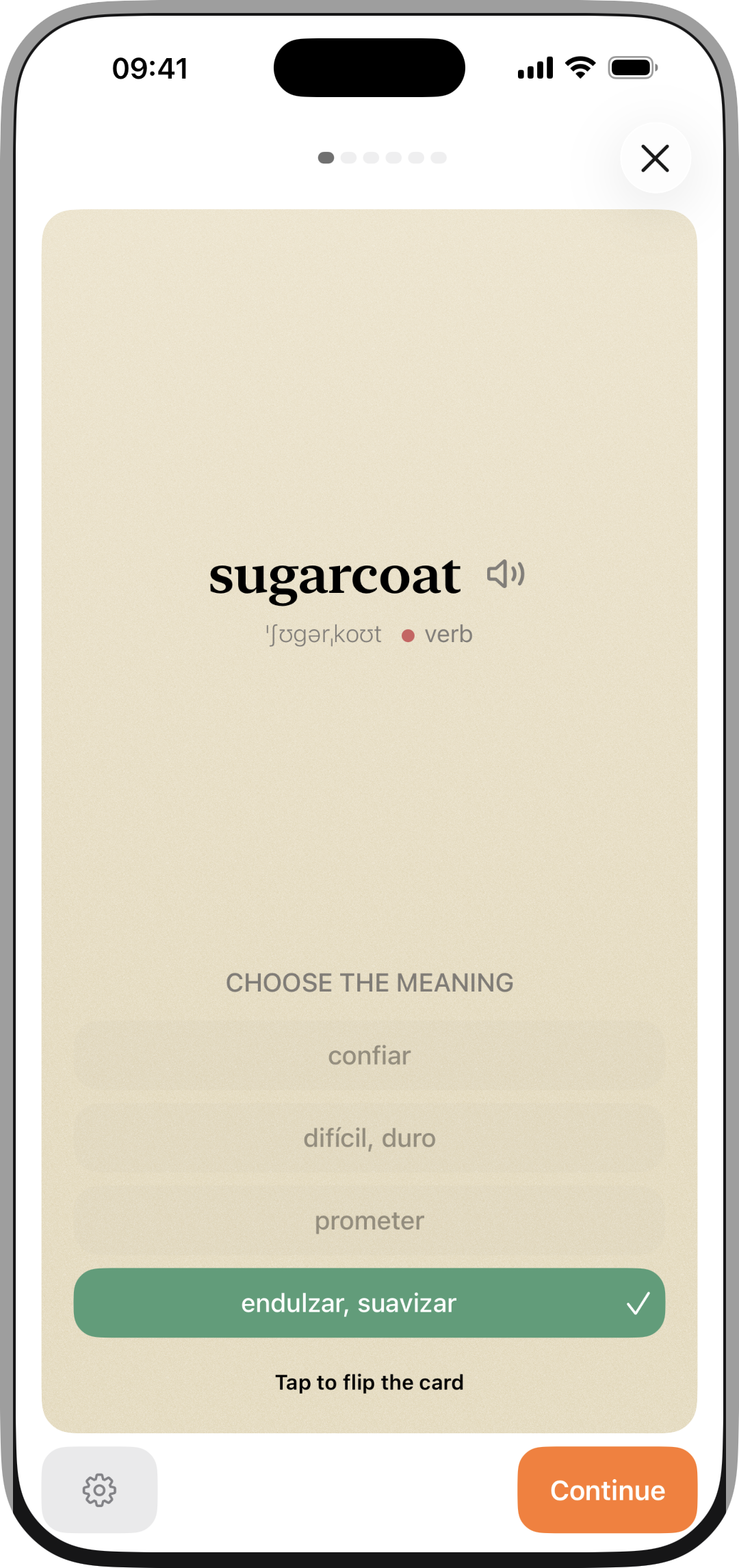
You know the words, but real speech still gets away from you: fast, blurred, half the sounds gone. PlayLingo turns any YouTube video into practice. Subtitles are split by sentence and synced with the video, every line has a translation in context, and Lingo, the in-app assistant, explains a word or an idiom in this exact sentence. The same video can be watched five ways: with subtitles, with the translation hidden, by ear only, by rebuilding the line from its words, or by saying it out loud while words light up as you speak. Words you save go into review on FSRS-6, the spaced-repetition algorithm used by Anki, and every card keeps the scene and the sentence. 67 languages, curated catalogs by level from A1 to C2, iPhone, iPad and Android.
PlayLingo(プレイリンゴ)は、好きなYouTube動画を「聞き取れるようになる教材」に変えるアプリです。一文ごとの字幕と日本語訳、タップで出るAI解説、シャドーイング、見た動画の単語の復習まで。67言語に対応、iPhone・iPad・Android。
What it does
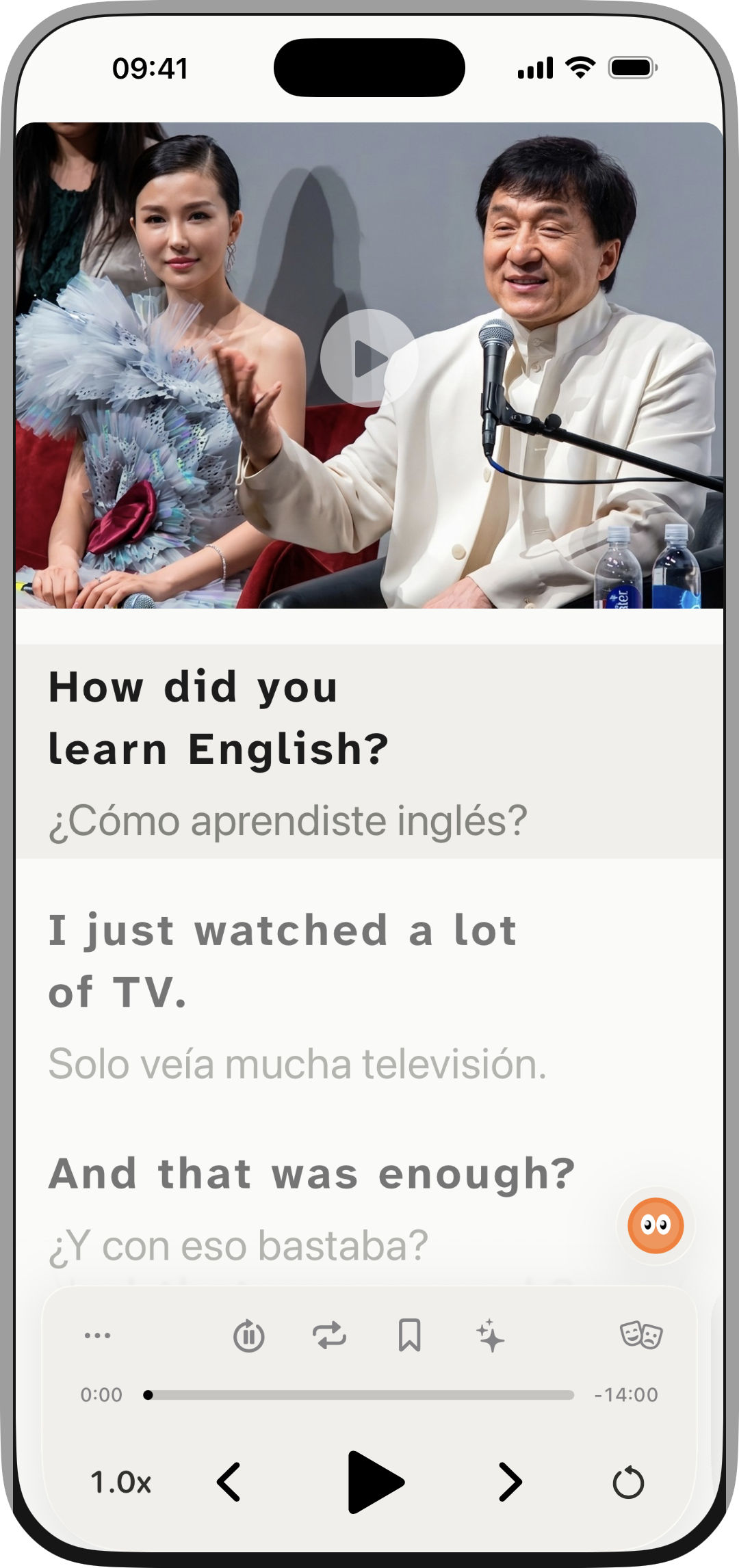
- Any YouTube video becomes a lesson: sentence-level subtitles synced with the video.
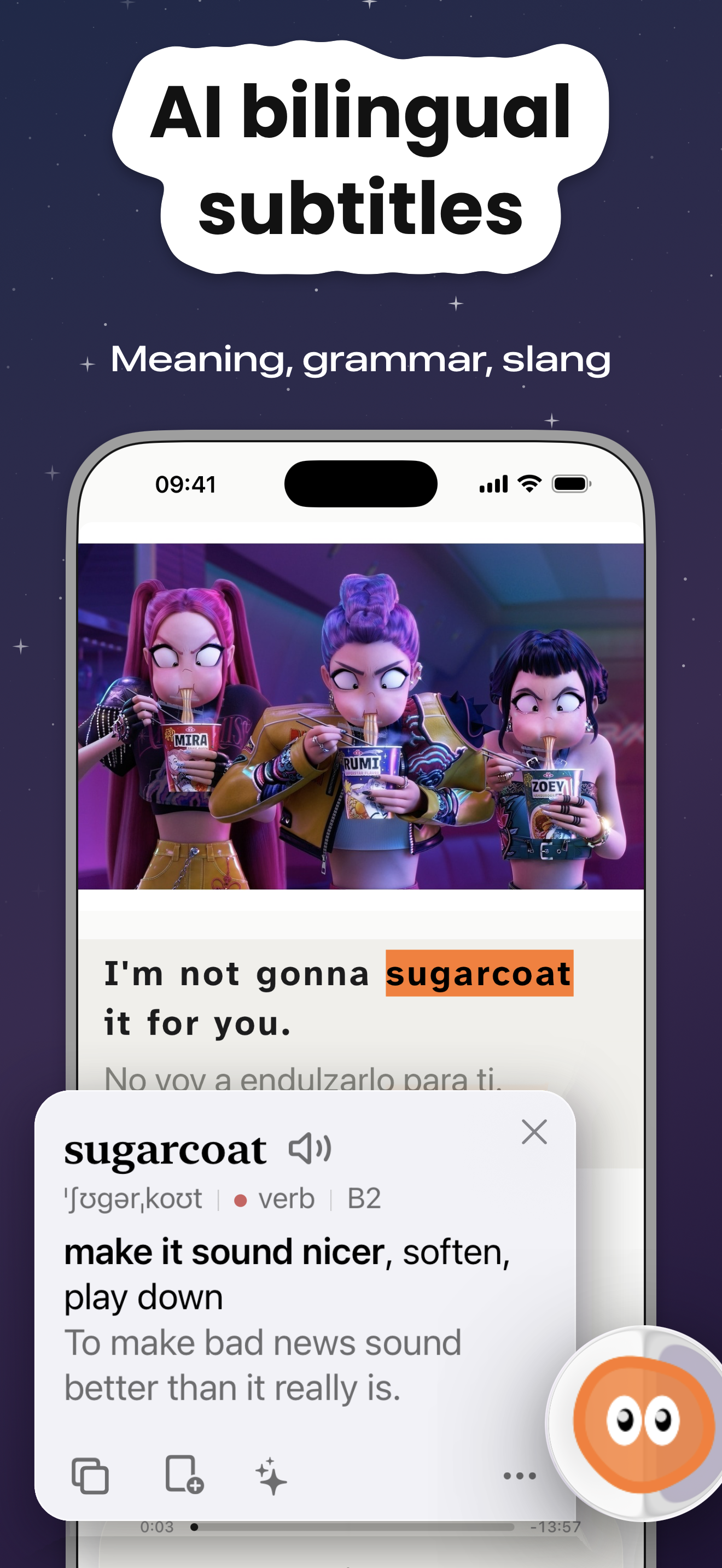
- Translation in context, phonetic transcription, parts of speech in color.
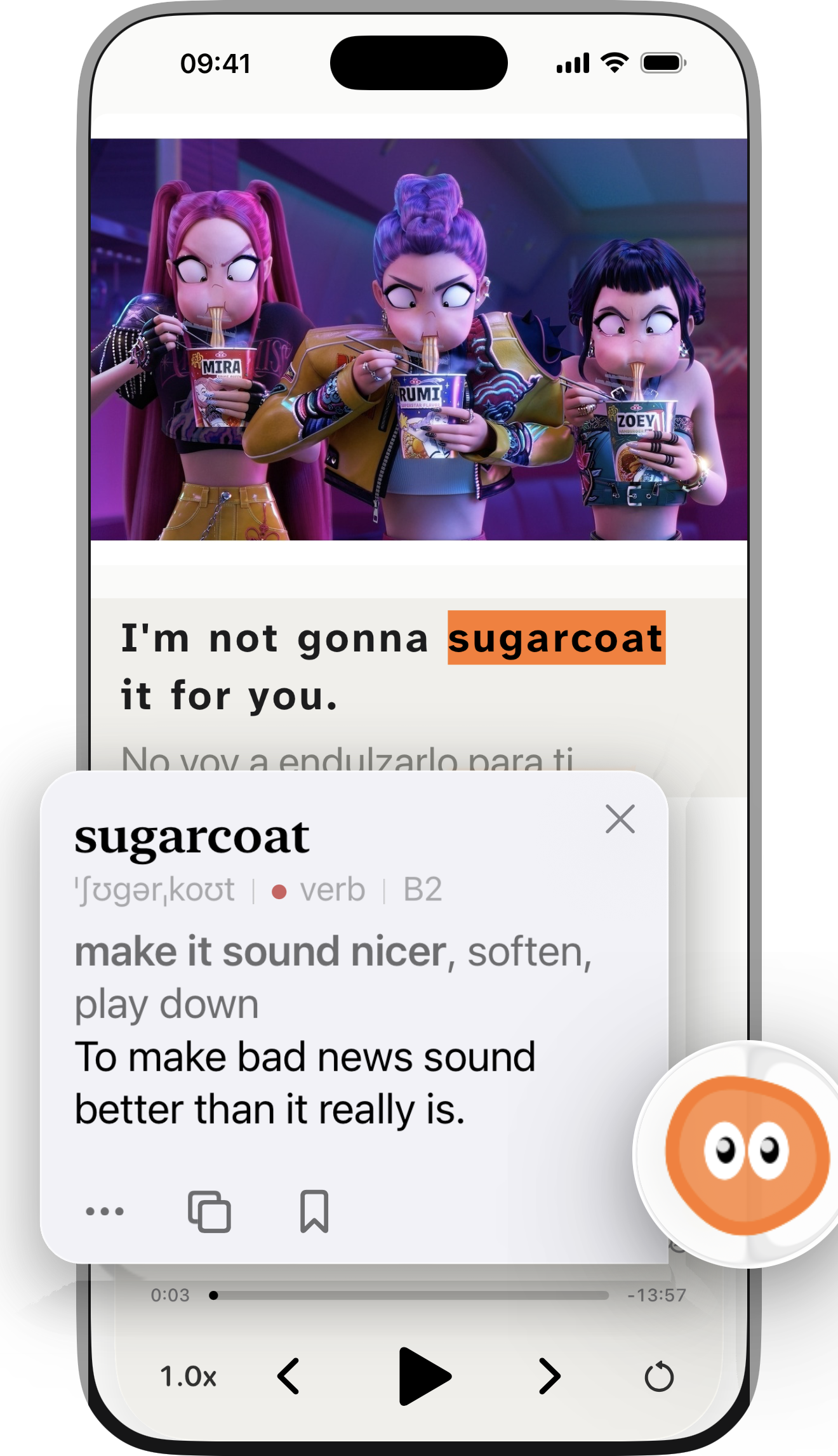
- Lingo explains any word or idiom in this sentence with one tap.
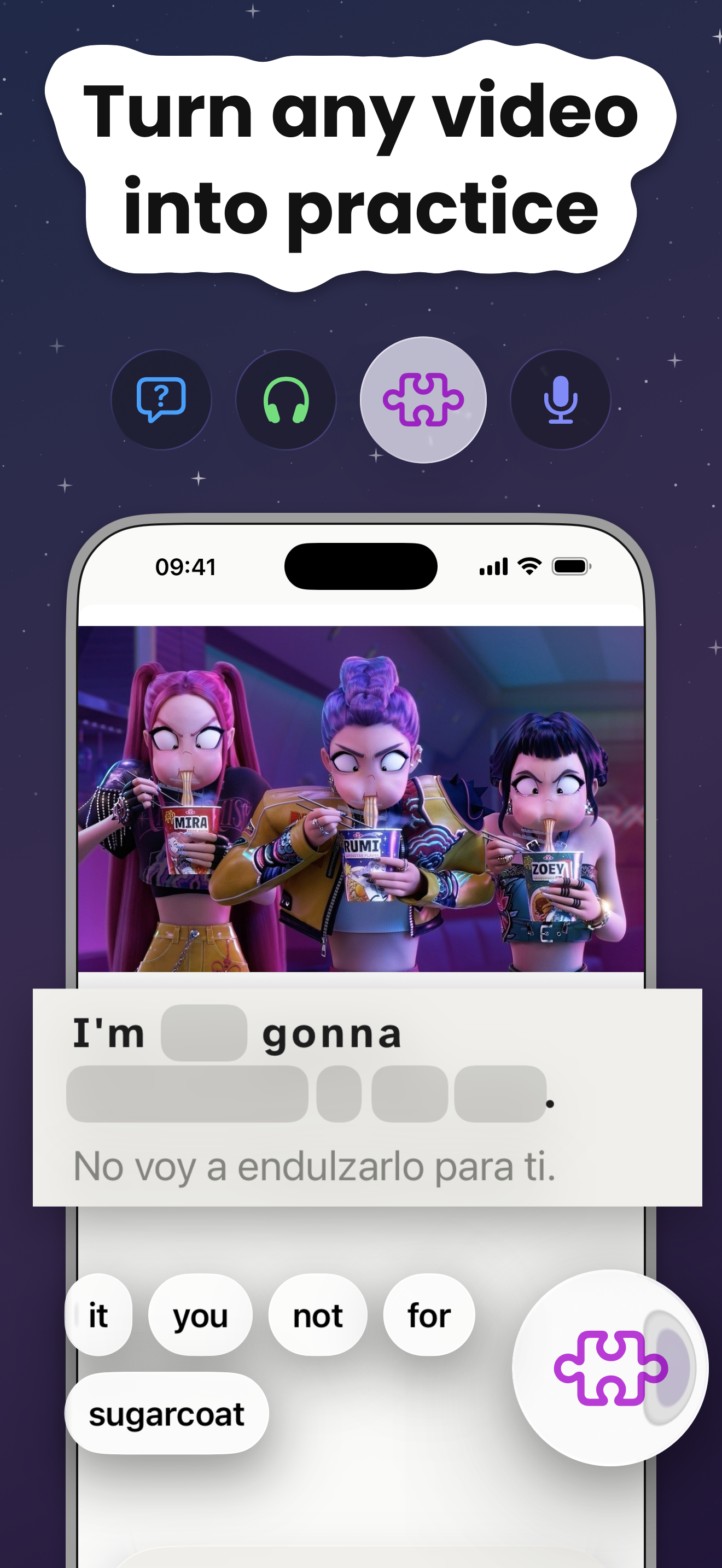
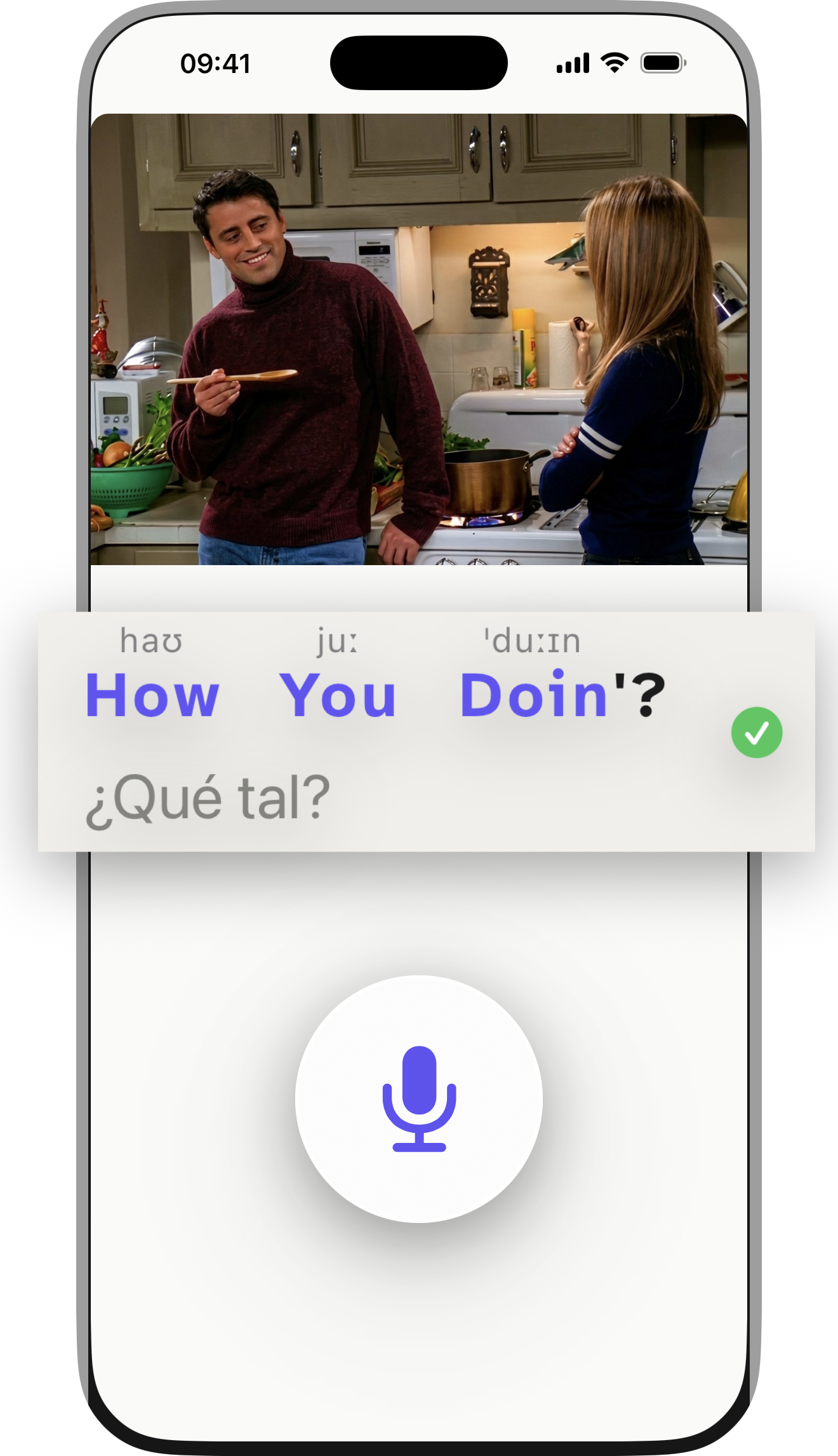
- Five ways to watch: Watch, Understand, Listen, Build, Speak.
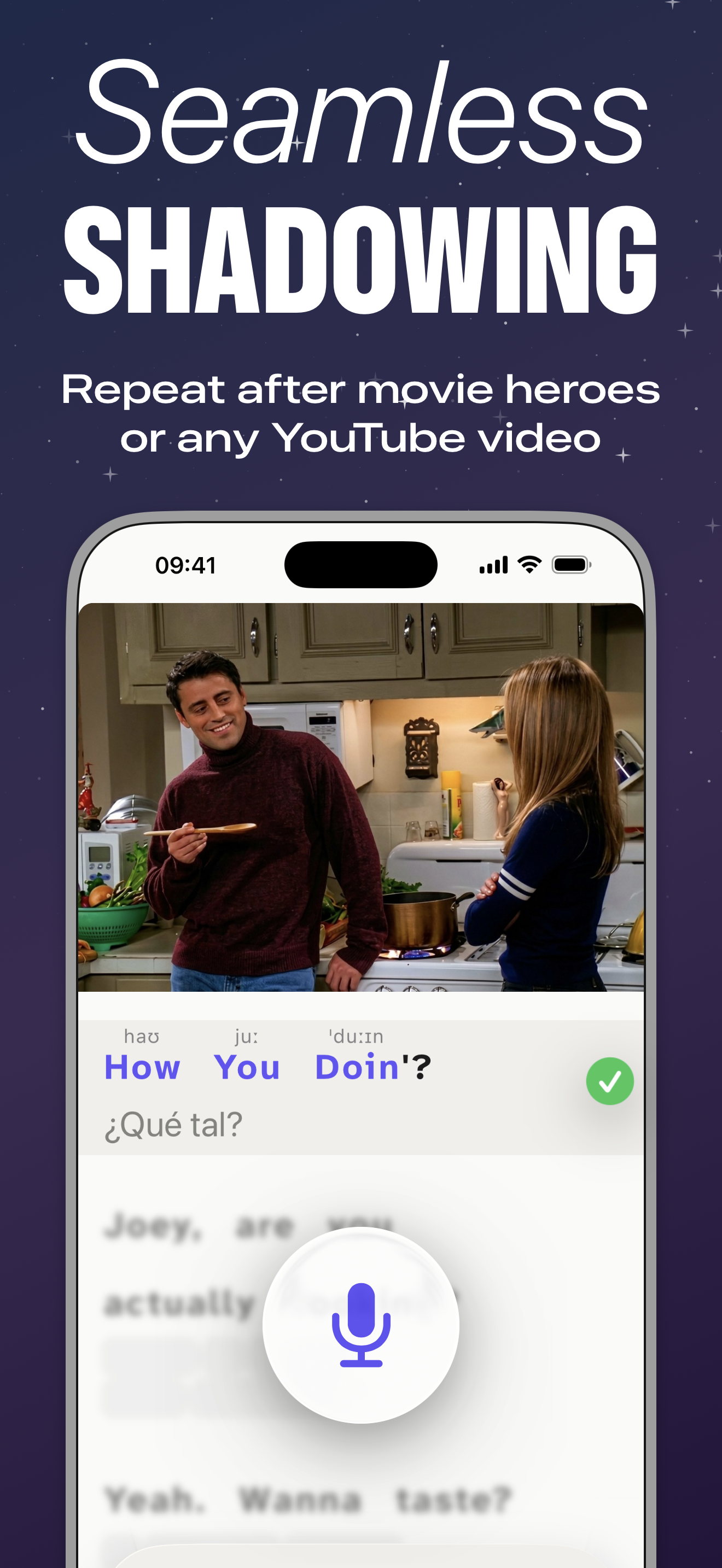
- Shadowing with live feedback: words light up as you say them.
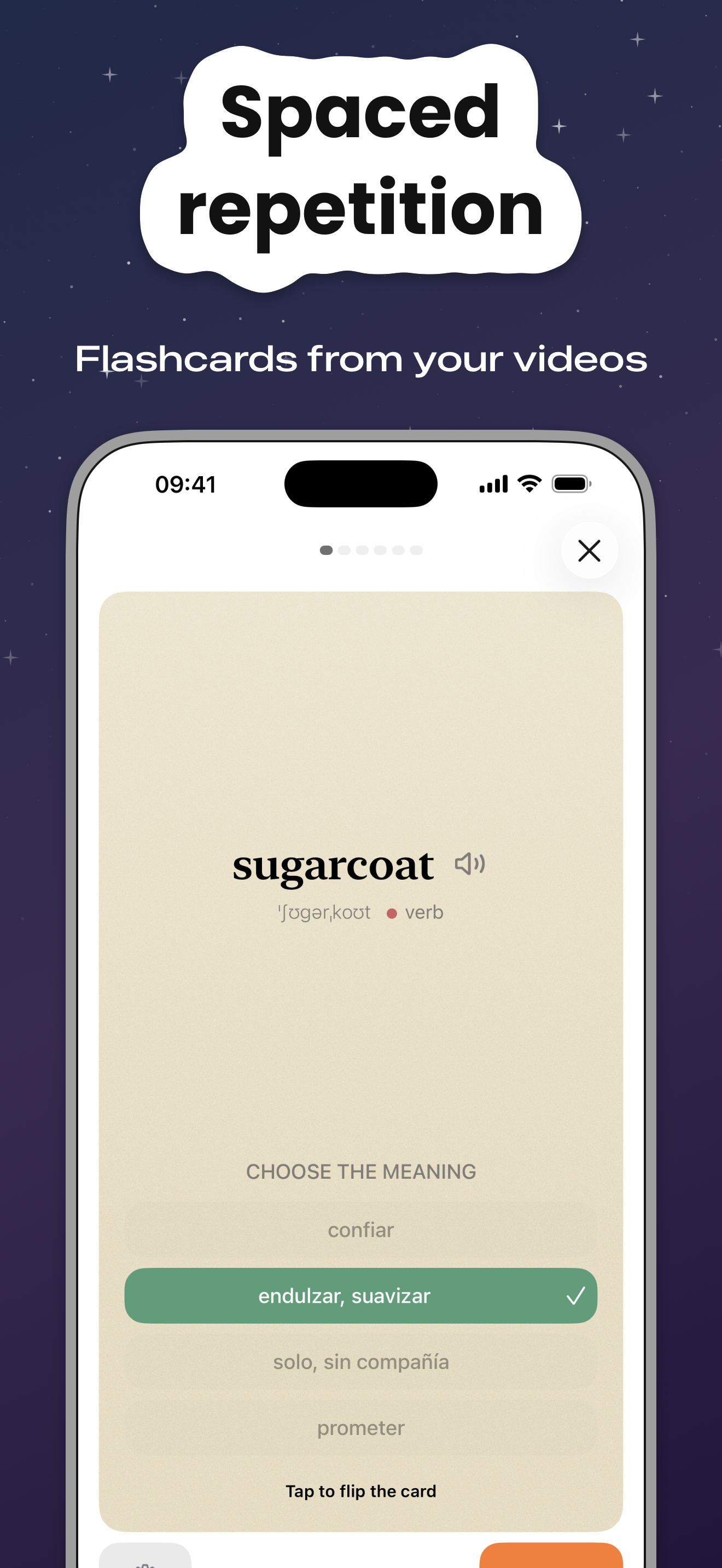
- Vocabulary review on FSRS-6; every card keeps the video moment.
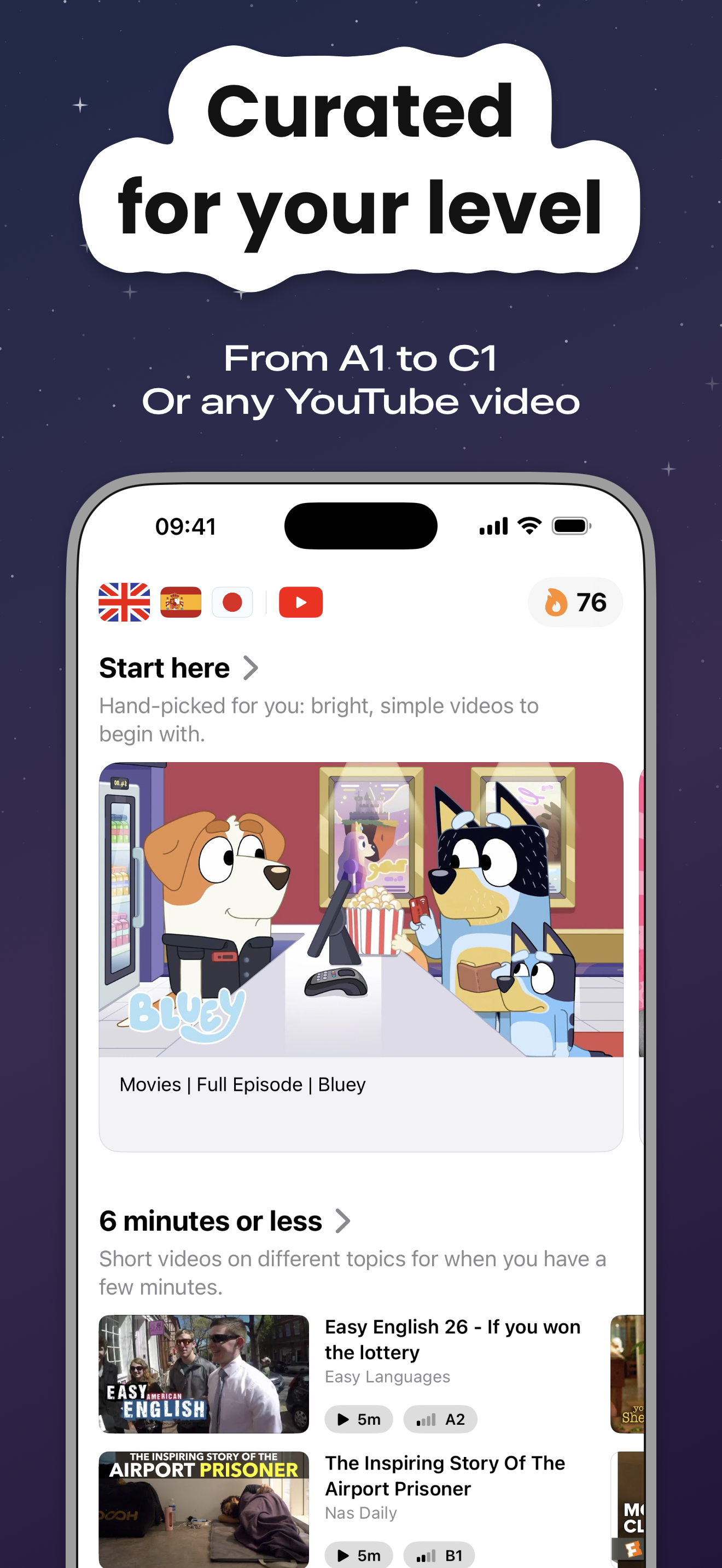
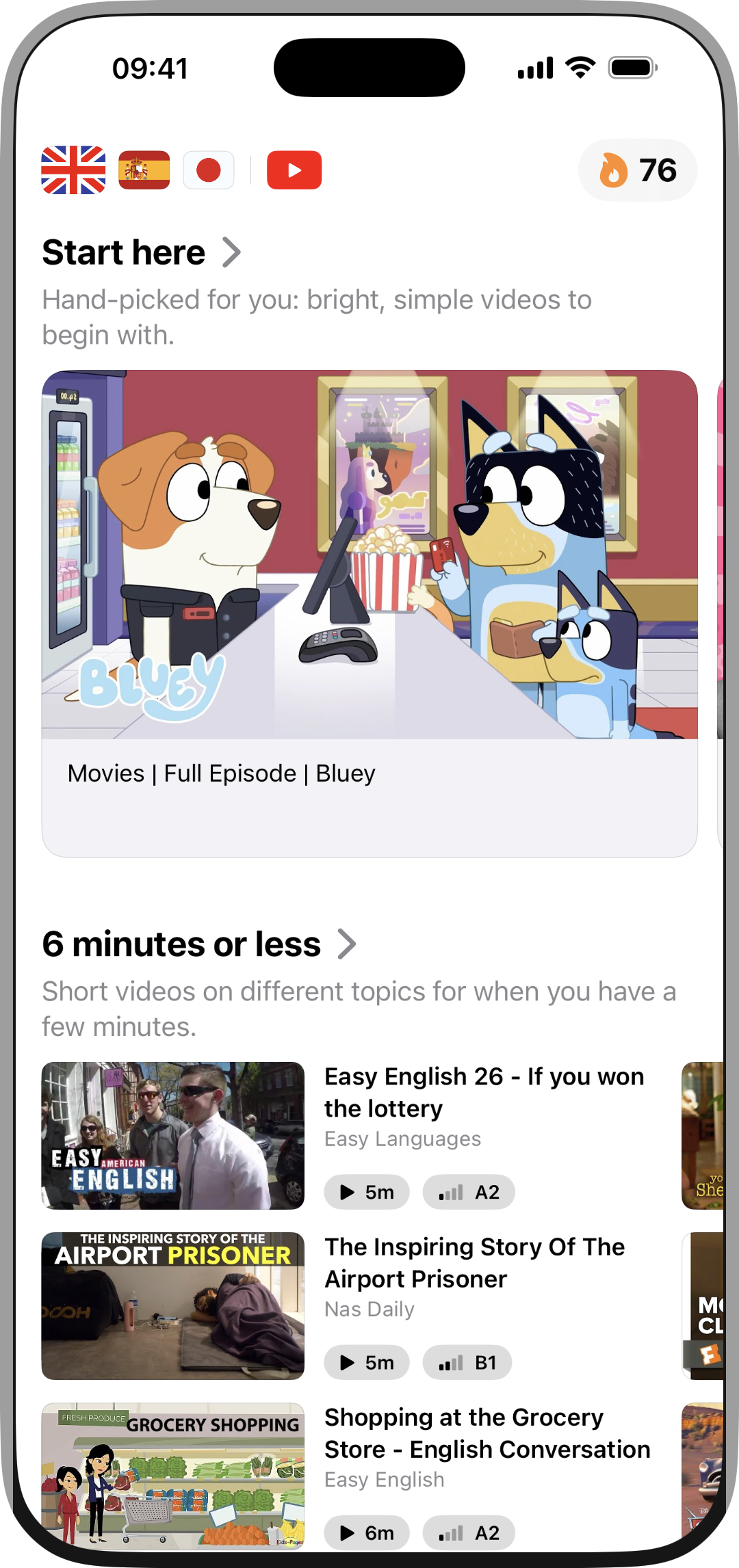
- Curated catalogs by level (A1–C2) for 67 languages; shelves like “Start here” and “6 minutes or less”.
- Videos in your own language work too: you study their translation into the language you learn.
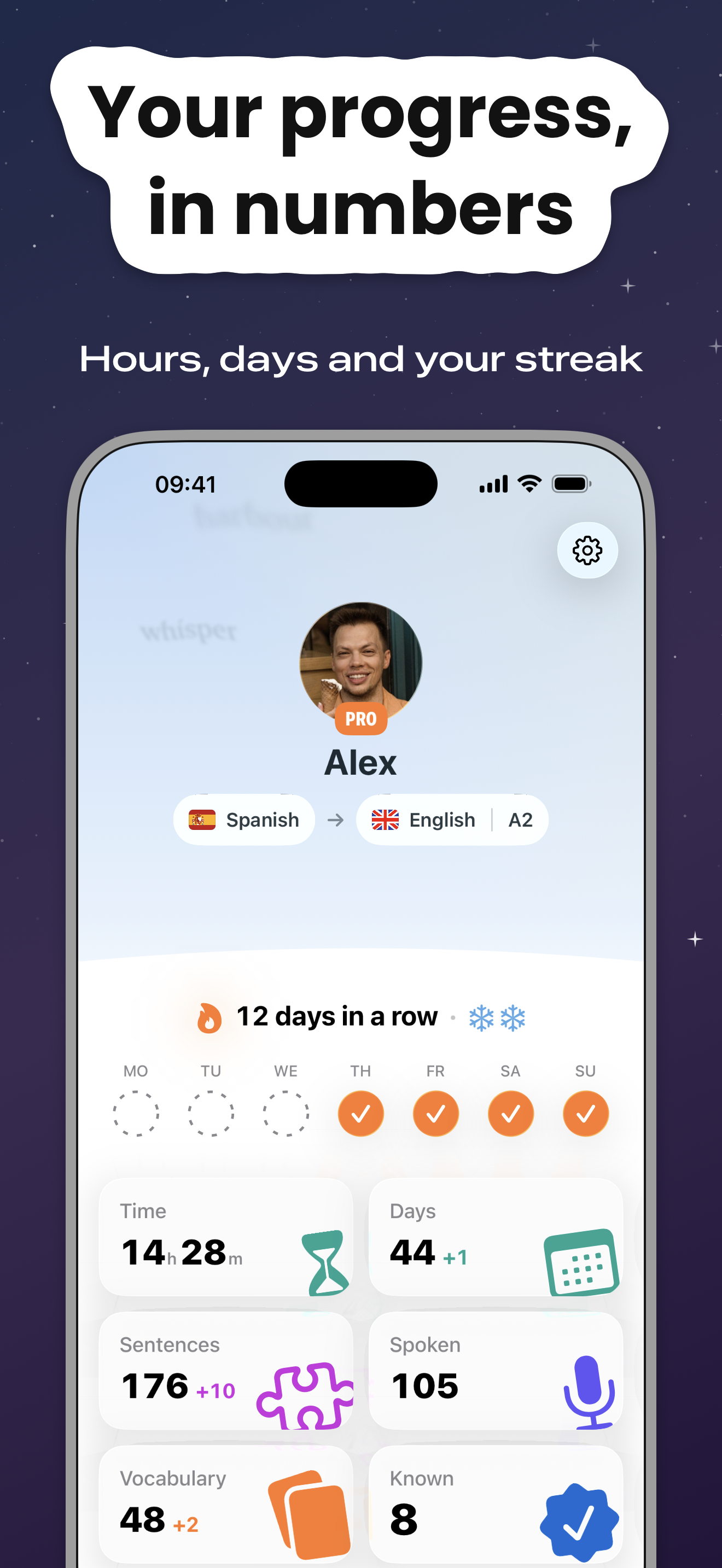
- Streak with freezes, a 3-minute study day, a Home Screen widget with the word of the day.
- One account across iPhone, iPad and Android.
Screenshots
iPhone 6.9″, 1320×2868. Click to open full size.
Device frames
Full iPhone on white, current interface. Click for PNG.
Cover
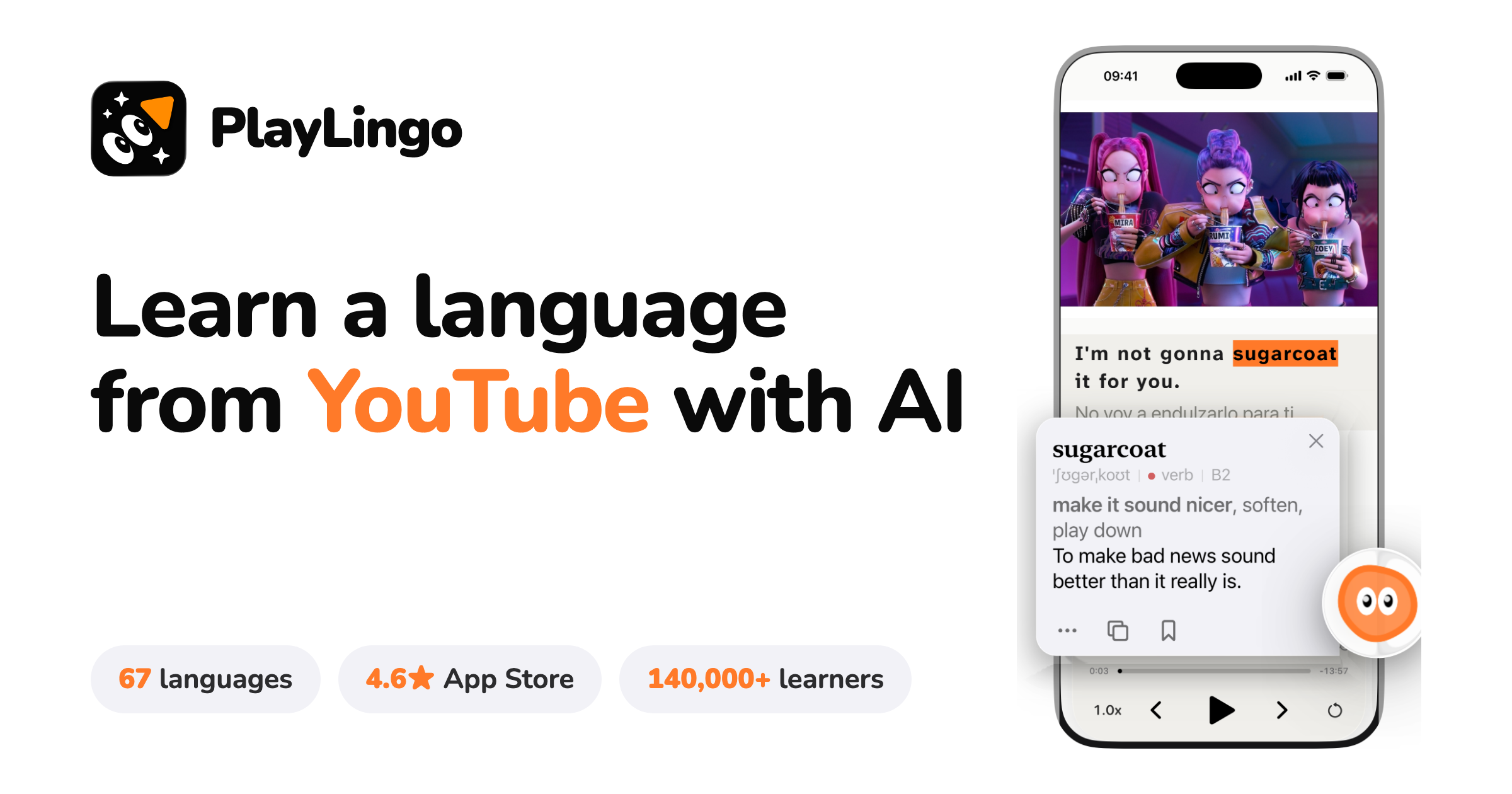
1200×630 and 2400×1260.
Questions and Pro codes for reviewers: info@playlingo.app