
Альтернатива LingQ, сделанная для видео, а не для текста.
Скачать бесплатно. iPhone, iPad и Mac.
LingQ учит по методу comprehensible input с 2007 года: читай и слушай реальный контент, нажимай на незнакомые слова, смотри, как синее становится жёлтым, а потом — знакомым. Метод работает. Но LingQ в душе инструмент для чтения — видео играет в маленьком окне над транскриптом, — а приложение на телефоне так и не стало там своим. PlayLingo — та же идея, пересобранная вокруг видео: любое видео YouTube с двойными субтитрами, AI-помощник в каждой строке, практика на самом видео и нативное приложение для iPhone, iPad и Mac.
Почему ищут альтернативу LingQ
У LingQ миллионы регистраций и приложение для iOS с оценкой 4,7, так что его критики — в основном люди, которые хотели его полюбить. На форуме LingQ, на Trustpilot и в отзывах 2025–2026 годов повторяются одни и те же пять пунктов:
- Он сделан для чтения. Видео импортируется как транскрипт с плеером в углу; в отзывах описывают, как приходится двигать окно видео, чтобы видеть субтитры. Тренировать слух на видео — не то, для чего создан LingQ.
- Бесплатный план заканчивается быстро. 20 сохранённых слов (LingQ), пять импортов и реклама. По отзывам, лимит исчерпывается за один урок.
- Перегруженный интерфейс. Синие слова, жёлтые слова, статусы от 1 до 4, счётчики известных слов, монеты, серии. Кому-то это нравится; многие уходят, так ничего и не прочитав.
- Функции уезжают в старшие тарифы. В Premium Plus теперь живут упрощённые AI-уроки, транскрипция и AI-голоса; ветка форума 2025 года называется «Feeling taken advantage of».
- Нет приложения для компьютера. LingQ — это сайт плюс мобильные приложения; в 2026 году сотрудники подтвердили, что нативных приложений для Mac и Windows не планируется.
Ничто из этого не делает LingQ плохим. Просто многие из тех, кому нужен метод LingQ, в итоге хотят другой продукт — созданный для просмотра, на том устройстве, где они на самом деле смотрят.
LingQ и PlayLingo: сравнение
Коротко: LingQ — платформа для чтения с огромной библиотекой и сообществом, с ценами для серьёзных учеников. PlayLingo — приложение для YouTube, где главное — видео, с AI-помощником, режимами практики и бесплатным планом.
Что PlayLingo берёт из подхода LingQ
LingQ научил целое поколение учеников, что ещё один курс не нужен — нужен реальный контент и ровно столько помощи, сколько необходимо. PlayLingo сохраняет то, что в этой идее работает.
Comprehensible input из контента для носителей
Оба приложения отвергают модель зубрёжки. Язык усваивается через понимание речи чуть выше твоего уровня, на материале, сделанном для носителей. Метод одинаковый. Подача — нет: LingQ начинает с текста, PlayLingo — с видео.
Словарь, который растёт из того, что ты смотришь
Сохрани слово один раз — и PlayLingo подсветит его в каждом следующем видео, как LingQ отслеживает известные и изучаемые слова по всей библиотеке. Сохранённые слова возвращаются карточками с фрагментом видео, из которого пришли, по графику интервальных повторений.
Честность о сроках
LingQ всегда говорил ученикам правду: до беглости — тысяча часов input, а не тридцатидневный челлендж. PlayLingo держится той же позиции. Мы не обещаем, что ты заговоришь через две недели. Мы обещаем, что ежедневная привычка слушать язык станет легче.
Что PlayLingo делает иначе
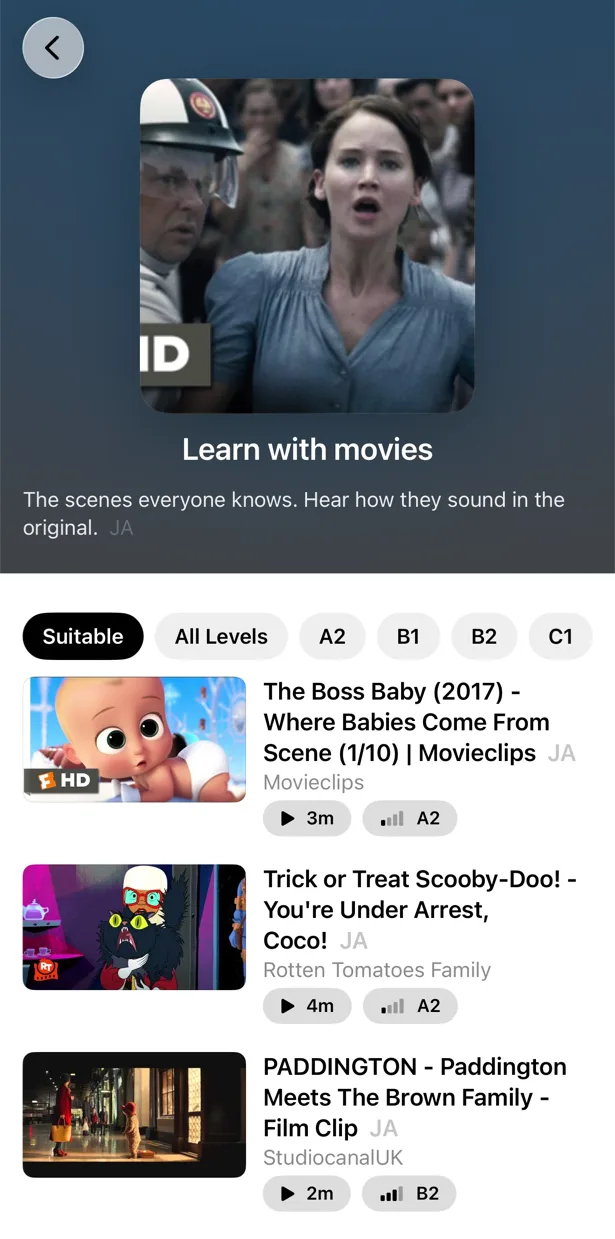
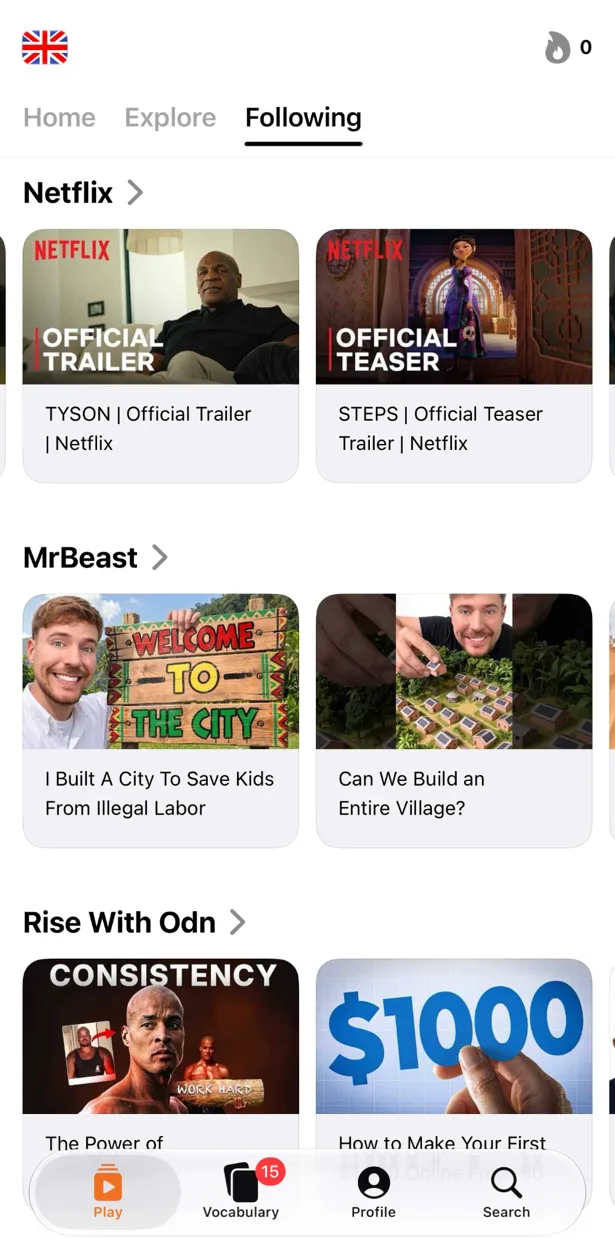
Любое видео YouTube становится уроком
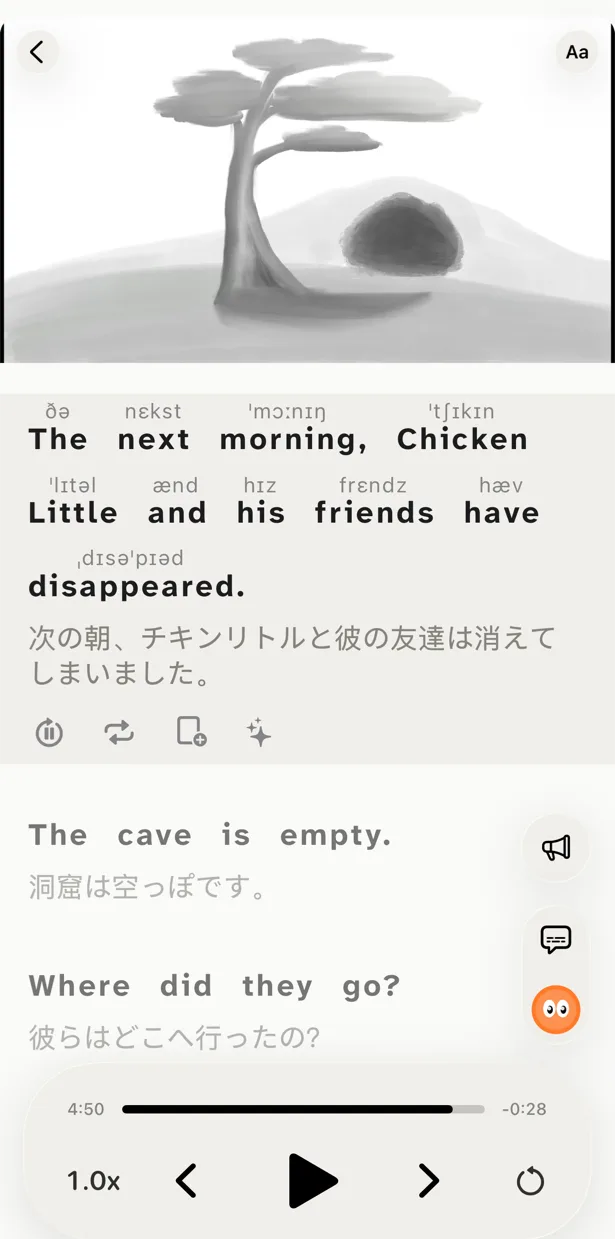
Вставь ссылку, поделись из приложения YouTube или найди видео прямо в PlayLingo. Оно откроется на весь экран с оригинальной строкой и переводом под ней — без страницы с транскриптом и плавающего плеера. Субтитры разбиты на полные предложения со знаками препинания, так что каждая строка читается как предложение, а не как обрывок титров.
Lingo — AI-помощник в каждой строке
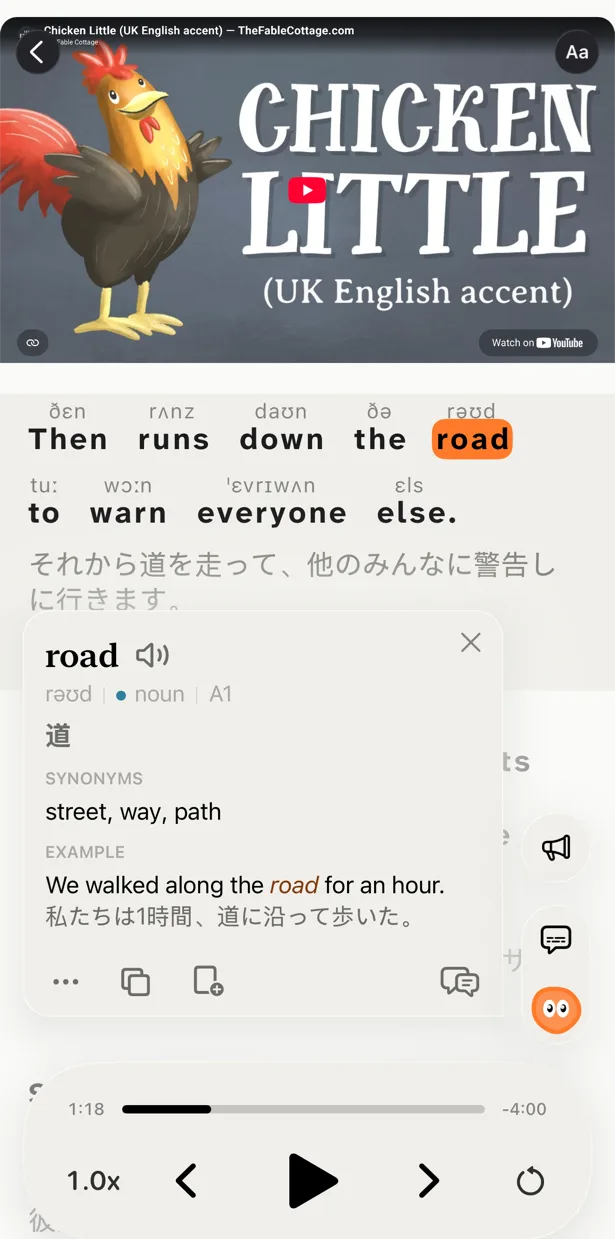
Нажми на незнакомое слово или фразу — и получишь не словарную подсказку. Lingo читает строку и объясняет на твоём родном языке, что имел в виду говорящий: сленг, идиому, почему глагол стоит в этой форме. Задавай уточняющие вопросы. Подробные разборы (Pro) добавляют формы слова, грамматику, частотность, происхождение и связанные слова.
Практика на видео, а не рядом с ним
Пять способов смотреть одно и то же видео: с обеими строками, со скрытым переводом, со скрытым текстом, собирая каждую строку из плиток со словами или повторяя каждую строку вслух с распознаванием речи. Тренировка слуха и речи, которой, по отзывам, не хватает в LingQ, происходит на видео, которое ты сам выбрал.
Приложение, которое на устройствах Apple как дома
iPhone, iPad и Mac. Одно приложение, одна подписка, прогресс синхронизируется через вход с Apple. Импорт через «Поделиться» из YouTube, картинка в картинке, виджет со словом дня. Оно ощущается как приложение для iOS, потому что им и является — а не веб-страница в обёртке. Как работает каждая функция — в справке.
Кому что подойдёт
Оба инструмента хороши. Просто они разной формы.
Выбирай LingQ, если учишься в основном за столом, читаешь длинные статьи и книги, хочешь библиотеку из 50 000 уроков и мини-истории для новичков, ценишь живое сообщество или учишь язык, который есть в LingQ и нет в PlayLingo.
Выбирай PlayLingo, если учишься в основном через просмотр, на iPhone, iPad или Mac, хочешь AI-объяснения и практику внутри видео, предпочитаешь свой контент с YouTube и хочешь бесплатный план, который работает каждый день.
Многие пользуются обоими: LingQ на ноутбуке для чтения, PlayLingo на телефоне для ежедневного видео и повторения.
Как перейти с LingQ на PlayLingo
Если в LingQ вложены месяцы, у тебя есть привычки, список слов и серия дней. Вот самый чистый способ переключиться.
Шаг 1 — Экспортируй словарь
В LingQ выгрузи известные и изучаемые слова в CSV. В PlayLingo импорта нет — словарь строится из того, что ты смотришь, — но файл останется личным справочником, в который можно заглянуть, когда встретится знакомое слово.
Шаг 2 — Выбери первое видео под свой уровень
Не пытайся воссоздать библиотеку LingQ. Укажи уровень при первом запуске и возьми одно видео из каталога — или вставь ссылку на YouTube, которую ты посмотрел бы и без субтитров. Цель — понимать примерно 70–80%: это и есть зона comprehensible input.
Шаг 3 — Перенеси привычку, а не интерфейс
LingQ приучает отмечать каждое слово. Привычка PlayLingo проще: смотри, нажимай, когда непонятно, читай объяснение Lingo, сохраняй важное, иди дальше. Объём input важнее точности учёта.
Шаг 4 — Держи серию в голове
Если у тебя была серия в 200 дней в LingQ, первый день в PlayLingo — это 201-й день изучения языка. Не дай счётчику сбросить мотивацию.
На компьютере: бесплатное расширение PlayLingo для Chrome
Если ты смотришь YouTube на ноутбуке, бесплатное расширение PlayLingo для Chrome показывает две строки субтитров поверх видео: оригинал и перевод. Аккаунт не нужен. Объяснения слов, режимы практики и сохранённые слова живут в приложении для iPhone, iPad и Mac.
Метод, который за этим стоит
PlayLingo построен на comprehensible input: язык усваивается через понимание живой речи чуть выше твоего уровня, а не через заучивание правил. Настоящее видео — самый насыщенный источник такого материала из всех, что существуют. Задача приложения — держать помощь так близко, чтобы не приходилось выходить из видео, и превращать просмотренное в практику и память.
Вопросы и ответы
PlayLingo — бесплатная альтернатива LingQ?+
Да, с дневными лимитами. Двойные субтитры на любом видео YouTube, каталог по уровням, AI-объяснения и дневная порция практики бесплатны каждый день, без рекламы и без карты. Бесплатный план LingQ останавливается на 20 сохранённых словах и пяти импортах.
Можно ли импортировать словарь из LingQ в PlayLingo?+
Нет. PlayLingo строит словарь из видео, которые ты смотришь в приложении, поэтому каждое сохранённое слово привязано к моменту, когда ты его услышал. Выгрузи список из LingQ в CSV и держи как справочник; слова, которые встретятся снова, вернутся сами.
Есть ли в PlayLingo библиотека, как в LingQ?+
Есть каталог видео YouTube для каждого из 67 языков, отсортированный по уровням CEFR, с полкой «Start here» для новичков. Мини-историй, книг и библиотеки подкастов, как в LingQ, нет — зато можно открыть любое видео с YouTube.
Подходит ли PlayLingo для чтения, как LingQ?+
Нет. PlayLingo сделан для видео. Каждую строку субтитров можно прочитать, нажать и сохранить, но импорта текстов и читалки книг нет. Если большая часть твоей учёбы — чтение, для этого LingQ остаётся лучшим инструментом.
Есть ли PlayLingo для Mac?+
Да. PlayLingo работает на Mac с Apple Silicon и ставится из Mac App Store — с той же подпиской и синхронизированным прогрессом, что на iPhone и iPad. У LingQ приложения для компьютера нет.
Другие сравнения
PlayLingo — один из нескольких инструментов, построенных на реальном контенте. Вот как он выглядит рядом с теми, о которых спрашивают чаще всего:
Попробуй альтернативу LingQ, сделанную для видео.
Скачать бесплатно. iPhone, iPad и Mac.