
01
Learn English with Bob the Canadian
A1–A2Slow, clear English lessons recorded outdoors on Bob's farm.
WhyCalm pace, real-world vocabulary, visual context. One of the friendliest entry points to comprehensible-input English.
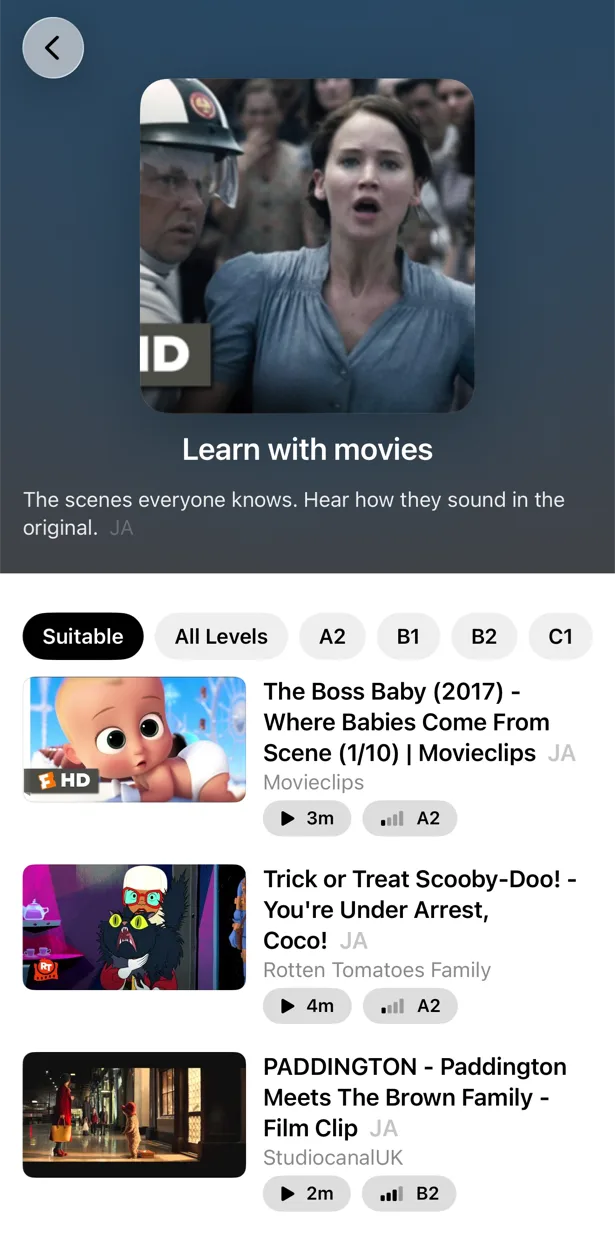
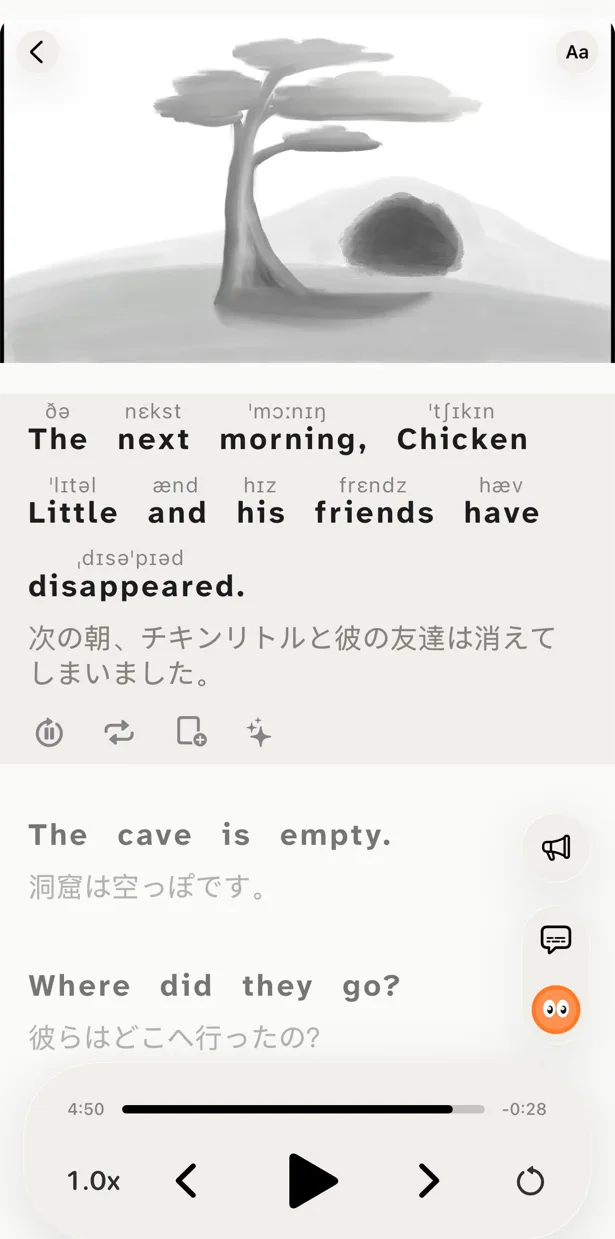
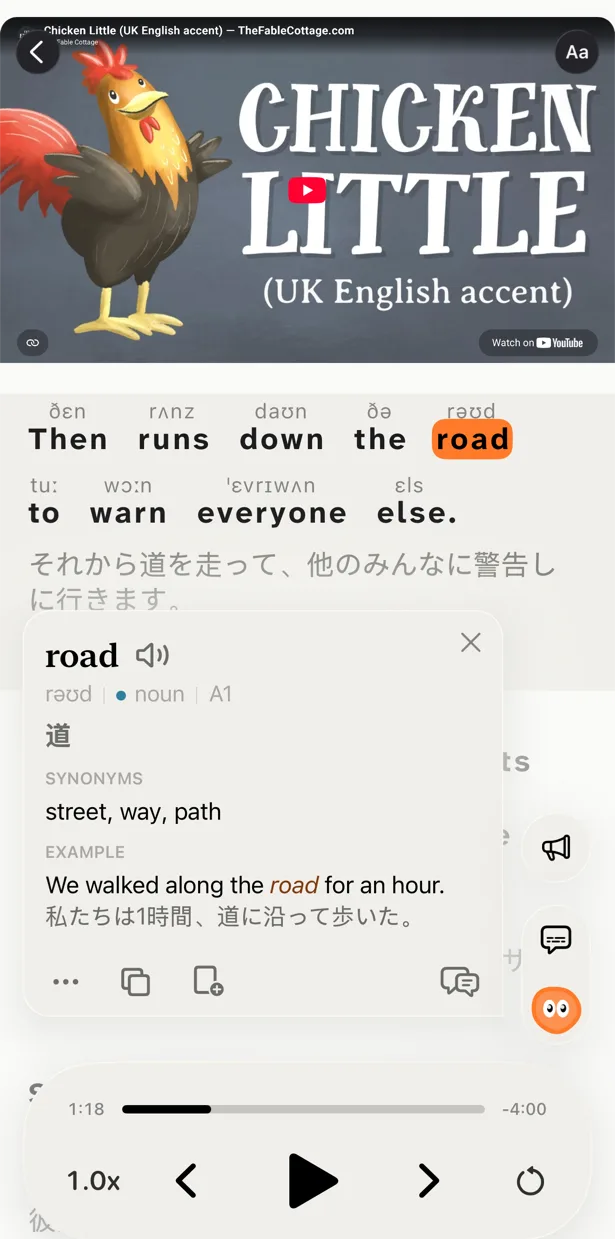
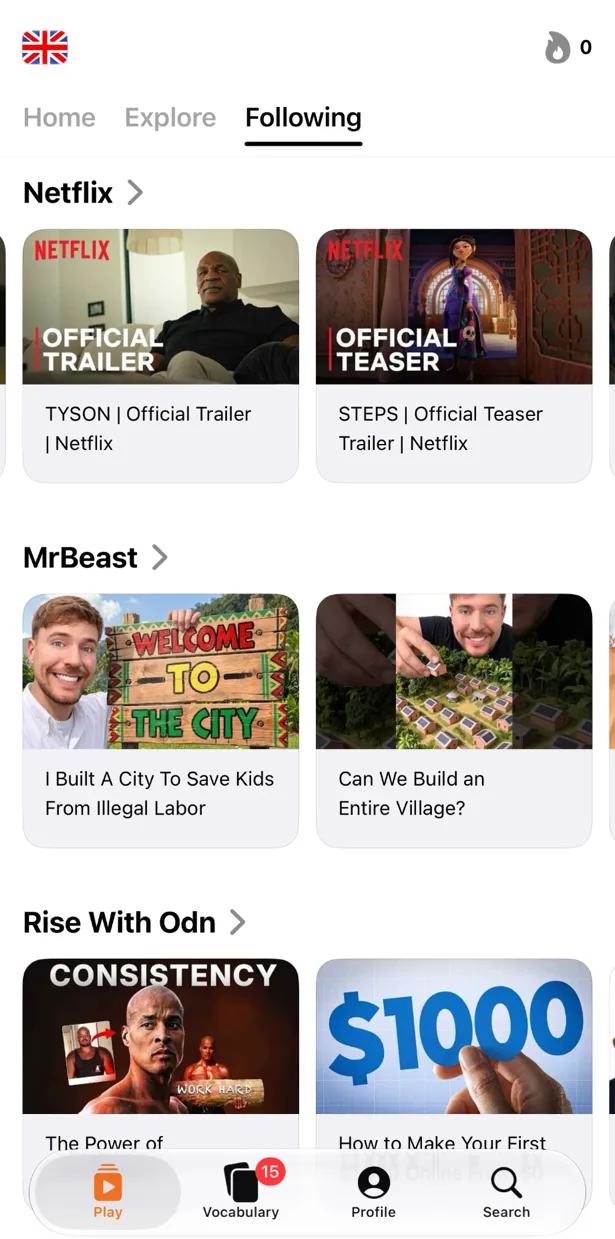
Free to download. iPhone, iPad and Mac.
English is the most-watched language on YouTube — and the easiest to immerse in. Whatever you love (gaming, science, comedy, cooking, history, tech), the best creators in the world are making content in English. The catch is the firehose: with billions of hours of input, picking the right videos for your level matters more than the volume.
Traditional English classes drill grammar that real English speakers barely think about. YouTube gives you the language as it's actually used — fast, colloquial, accented, contraction-heavy. PlayLingo's bilingual subtitles and AI buddy make every native-speed video accessible from day one, no matter your level.
You don't need a curated playlist — you need the right kind of input for your level. Here's what works in English:
Slow, clear English lessons recorded outdoors on Bob's farm.
WhyCalm pace, real-world vocabulary, visual context. One of the friendliest entry points to comprehensible-input English.
Street interviews in the UK and US with bilingual subtitles.
WhyReal people on real streets answering real questions. Hear how English actually sounds outside the classroom.
Structured British English lessons from the BBC.
WhyHigh-quality, free, and authoritative. News-based vocabulary, idioms, and pronunciation drills from the source.
American pronunciation and accent training, broken down word by word.
WhyThe gold standard for sounding natural in American English. Phonetics, rhythm, and intonation explained clearly.
Animated educational shorts on every topic imaginable, in clear, well-paced English.
WhyNative English at a rhythm you can follow, on topics you'll actually find interesting. Excellent for vocabulary expansion.
Top science channels with sharp scripts and crisp narration.
WhyReal native English on intellectually engaging topics. Once you can follow these, you can follow almost anything.
Krashen calls this i+1 — input where you understand most words but a few are new. Too easy = no growth. Too hard = no comprehension.
With PlayLingo, every English video gets English + your-language subtitles. Read along. Tap whatever stops you.
Let context fill gaps. Pause for words that appear repeatedly or seem pivotal. The brain absorbs more from flow than from perfect comprehension.
Slang, idioms, jokes that don't translate, references to local figures — these are the things textbooks skip and Lingo nails.
Consistency beats intensity. 30 minutes a day for 6 months beats a weekend marathon every month. Your brain consolidates input during sleep.
The most common mistake is starting too hard. If you understand less than 70% of what's being said, your brain spends so much energy decoding that it can't absorb. Drop down a level. Boring is fine — boring works.
Not sure where you are? Read what each CEFR level means.
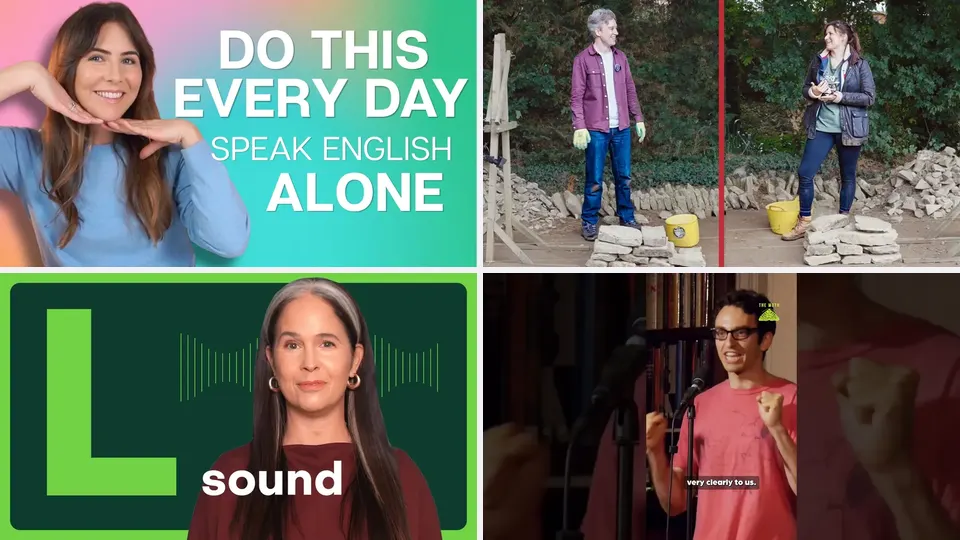 7 Best YouTube Channels for Shadowing EnglishSeven YouTube channels that work for shadowing English, from A1 to C1: clear speakers, steady pace and real accents, plus a simple routine to shadow them.
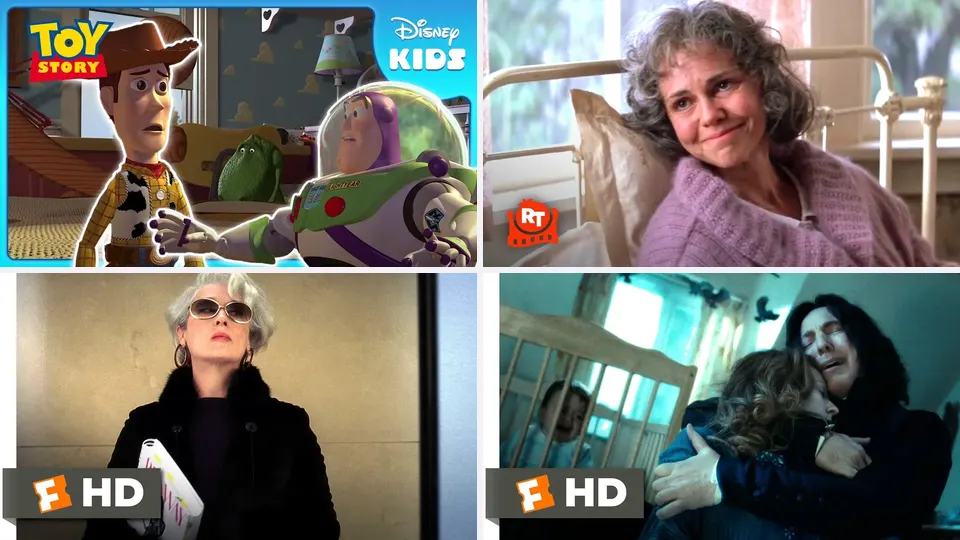 10 Best Movies to Learn English, by LevelTen movies to learn English from A2 to C1, from Toy Story to The Social Network: what each one teaches and how to study a scene, not a whole film.
 5 Best TV Series to Learn EnglishFive TV series to learn English from B1 to C1 — Friends, Young Sheldon, The Big Bang Theory, Suits and Sherlock — and how to learn from short scenes.
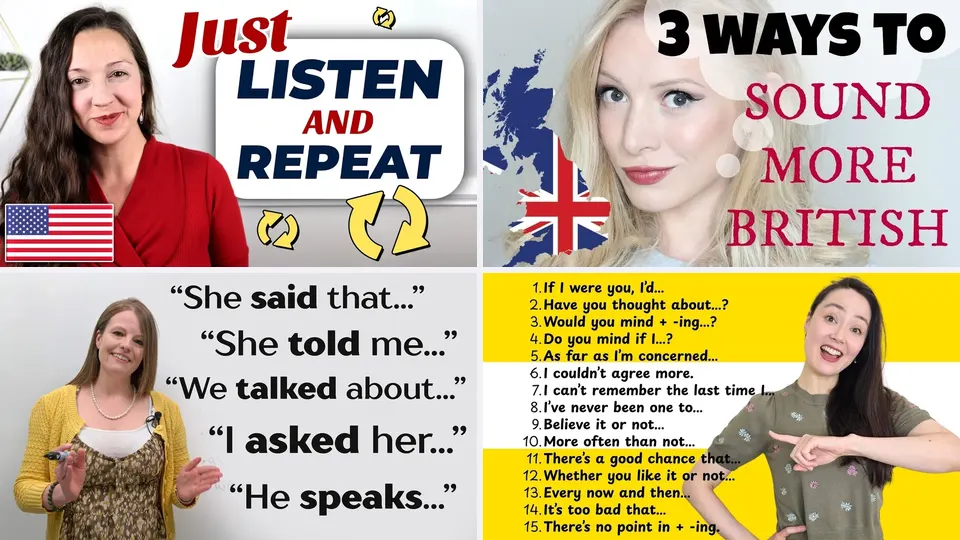 10 Best English Teachers on YouTubeTen English teachers on YouTube for speaking, pronunciation, grammar and British or American accents — and how to pick the right ones for you.Top 10 YouTube Channels for Learning English 2026Top 10 YouTube channels for learning English in 2026, with picks for beginners, listening practice, slang, pronunciation, and real fluency.
Paste a YouTube link, get bilingual subtitles, tap any word, ask Lingo anything. English, naturally.
Download free